| Connection | Bluetooth, pairs over USB-C |
|---|---|
| Charging | USB-C |
| Pressure Sensitivity | No |
| Tilt Sensitivity | Yes |
| Hover | Yes, on compatible iPad Pro and iPad Air |
| Compatible With | iPads with a USB-C port |
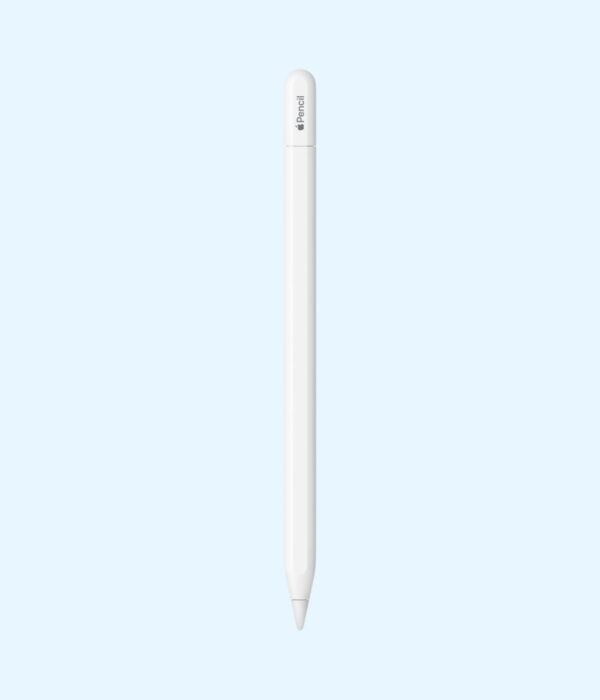
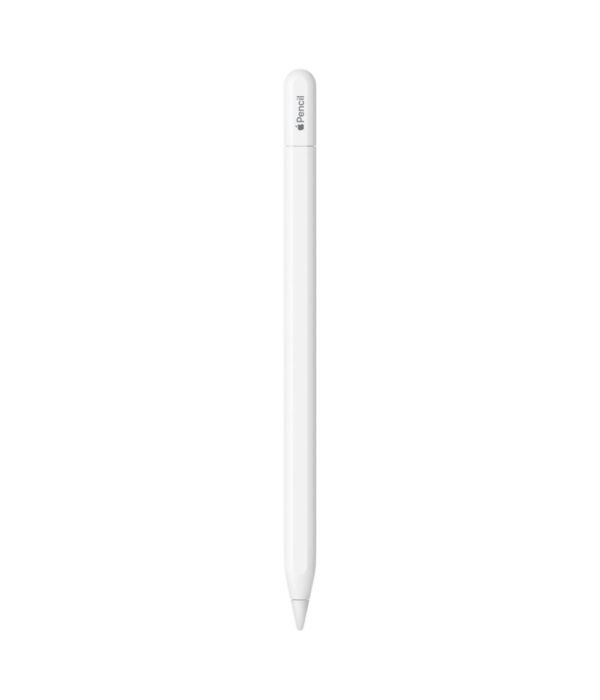
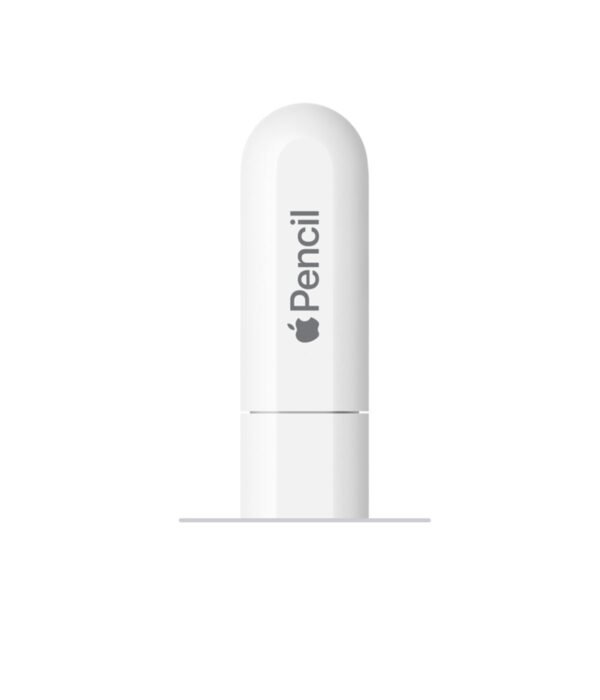
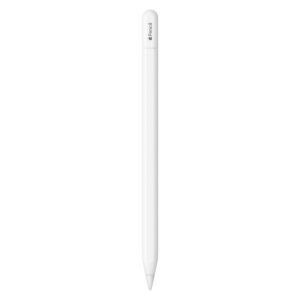
Apple Pencil (USB-C)
KSh 12,800.00
- Pixel-perfect precision with tilt sensitivity and very low latency
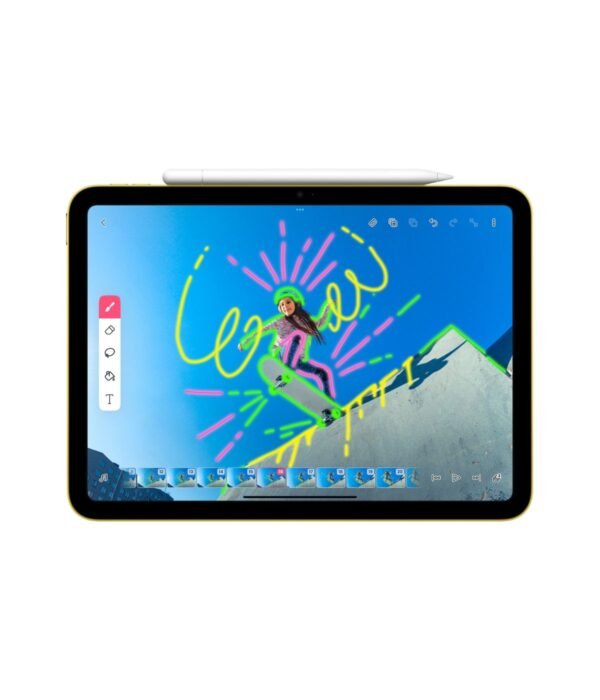
- Attaches magnetically to the side of your iPad
- Pairs and charges through a USB-C cable
- Hover support on compatible iPad Pro and iPad Air models
- Works with iPads that have a USB-C port
A precise Apple Pencil for students, note-takers and everyday iPad users
The Apple Pencil (USB-C) is the most affordable Apple Pencil and the one that works with the widest range of iPads. It gives you the same pixel-perfect precision and low latency as Apple’s other pencils, so handwriting, sketching, marking up documents and signing forms all feel natural. It pairs and charges through a USB-C cable and clips magnetically to the side of your iPad when you put it away.
For many people, especially students and office users, it does everything they need from a stylus. You will find it with our other Apple accessories in the tablet accessories range.
What the Apple Pencil (USB-C) does
Precise writing with low latency
Apple describes the pencil as pixel-perfect, with very low latency. In practice, the line appears under the tip as you write, without the lag you get from cheap rubber-tipped styluses. Handwritten notes in apps like Notes, GoodNotes or OneNote look like your real handwriting, and Scribble lets you write into any text field and have iPadOS turn it into typed text.
Tilt sensitivity for shading
Tilt the pencil on its side and supported drawing apps shade with a broader stroke, the way a real pencil does. That is enough for sketching, simple illustrations and diagrams.
No pressure sensitivity
This is the one big thing to know. The Apple Pencil (USB-C) does not change line thickness when you press harder. For handwriting and note-taking, most people never notice. For serious drawing and painting, where pressure controls the weight of a line, the Apple Pencil Pro is the better tool if your iPad supports it.
Hover on newer iPads
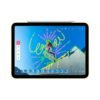
On supported iPad Pro and iPad Air models, the iPad shows a preview of where the tip will land before it touches the screen. Apple lists hover support on the iPad Pro 11-inch (4th generation), iPad Pro 12.9-inch (6th generation), iPad Pro (M4 and M5) and iPad Air (M2, M3 and M4). On other compatible iPads, the pencil works normally without hover.
USB-C pairing and charging
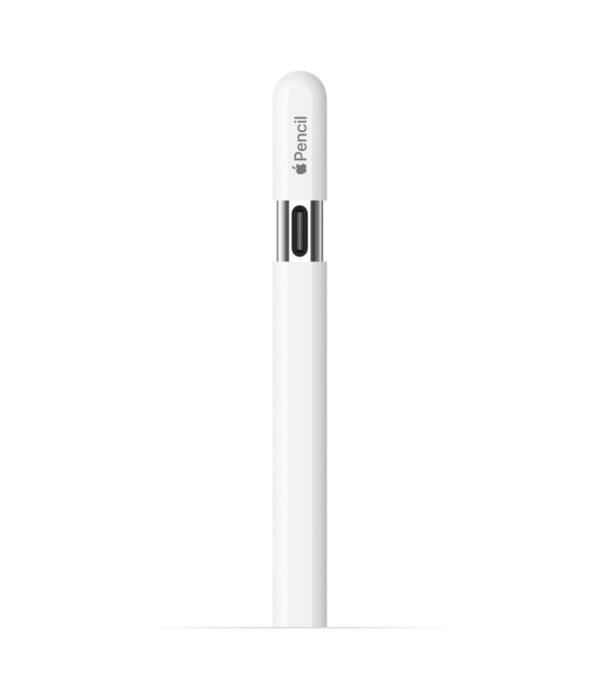
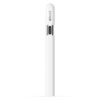
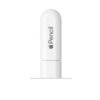
The end of the pencil slides back to reveal a USB-C port. Connect it to your iPad with a USB-C cable to pair it, and use the same cable to charge it from the iPad or a charger. Apple lists only the pencil in the box, so you need your own USB-C to USB-C cable.
Magnetic storage
The flat side attaches magnetically to the side of your iPad so you always know where it is. Unlike the Pencil Pro, it does not charge while attached. Apple gives the length as 155 mm and the weight as 20.5 grams.
Compatibility
Apple lists the Apple Pencil (USB-C) as compatible with these iPads:
- iPad (10th generation) and iPad (A16)
- iPad mini (6th generation) and iPad mini (A17 Pro)
- iPad Air (4th and 5th generation)
- iPad Air 11-inch and 13-inch (M2, M3 and M4)
- iPad Pro 11-inch (1st to 4th generation)
- iPad Pro 12.9-inch (3rd to 6th generation)
- iPad Pro 11-inch and 13-inch (M4 and M5)
It needs iPadOS 17.1.1 or later. In short, it works with every iPad that has a USB-C port. It does not work with older iPads that have a Lightning port, such as the iPad (9th generation). To check your model, open Settings, then General, then About on your iPad.
Setting it up
Update your iPad to the latest iPadOS. Slide back the end of the pencil to show the USB-C port, connect it to your iPad with a USB-C cable, and tap Pair when the prompt appears. Charge it the same way when the battery runs low. You can check the battery level in the Batteries widget on your iPad.
Who it suits
This pencil suits students taking handwritten notes, teachers marking work, office staff who sign and annotate PDFs, and anyone who wants a proper Apple stylus without paying for features they will not use. It is also the only current Apple Pencil for the entry-level iPad. Pick the Apple Pencil Pro instead if you draw or paint seriously and your iPad is on the Pro’s compatibility list.
How it compares
The Apple Pencil Pro adds pressure sensitivity, squeeze, barrel roll, haptic feedback, Find My and magnetic charging, but it works with fewer iPads and costs more. Because no cable comes in the box, the UGREEN USB-C to USB-C cable is a sensible add-on for pairing and charging. To charge the pencil or your iPad from the wall, the Apple USB-C 20W Power Adapter does the job.
Full product details are on Apple’s official site.
Looking after it
Keep the pencil attached to your iPad or in a case pocket so it doesn’t roll off a desk. Charge it now and then even if you use it rarely, because lithium batteries do not like sitting flat for months. Clean it with a soft, slightly damp, lint-free cloth and keep liquids away from the port. Replace the tip when it starts to feel rough on the screen.
Frequently asked questions
Does it work with the iPad (10th generation)?
Yes. It also works with the iPad (A16).
Is it pressure sensitive?
No. It has tilt sensitivity but not pressure sensitivity.
Is a cable included?
No. Apple lists only the pencil in the box. You need a USB-C to USB-C cable.
Does it charge when attached to the iPad?
No. The magnet holds it for storage. It charges over USB-C.
Does it support double-tap?
No. Double-tap is on the Apple Pencil Pro and the Apple Pencil (2nd generation).
Will it work with an iPad that has a Lightning port?
No. It works only with the USB-C iPads listed above.
Buying from Encom Digital
Everything we sell is genuine Apple. Prices on this page exclude VAT, and every order comes with a KRA-compliant VAT invoice, which your accounts team will need if you are buying for a company.
We offer same-day delivery within Nairobi and deliver to the rest of Kenya. You can pay by M-Pesa, card or bank transfer. If you are fitting out an office, a school or an NGO, ask us for bulk and corporate pricing.
Call or WhatsApp us on +254 714 962 072, email us, or visit us at Rehema House, 4th Floor, Standard Street, Nairobi, Monday to Saturday, 8AM to 6PM.
What customers say about Encom Digital
Bought the Apple Pencil from us? Review it on Google.Please mention the Apple Pencil in your review so other shoppers can find it. We copy the name for you when you tap the button.
Review us on GoogleYou may also like…

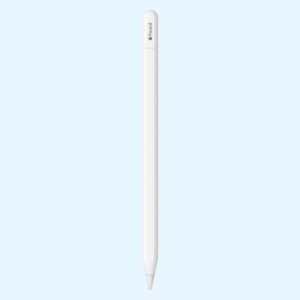
Apple Pencil Pro
KSh 18,000.00
Related products
Galaxy S24 Smart View Wallet Case
KSh 350.00Samsung Galaxy S26 Ultra
Price range: KSh 127,600.00 through KSh 196,900.00Select options This product has multiple variants. The options may be chosen on the product pageApple AirTag (2nd Generation)
Price range: KSh 4,700.00 through KSh 15,600.00Select options This product has multiple variants. The options may be chosen on the product pageSamsung Galaxy A56
KSh 50,600.00