| Processor | 11th Gen Intel Core i7, Intel Core i5-1135G7 |
|---|---|
| RAM | 16GB |
| Storage | 512GB SSD |
| Screen Size | 14 inch |
| Graphics | Intel Iris Xe Graphics |
| Operating System | Windows 11 (installed by Encom) |
| Form Factor | Clamshell |
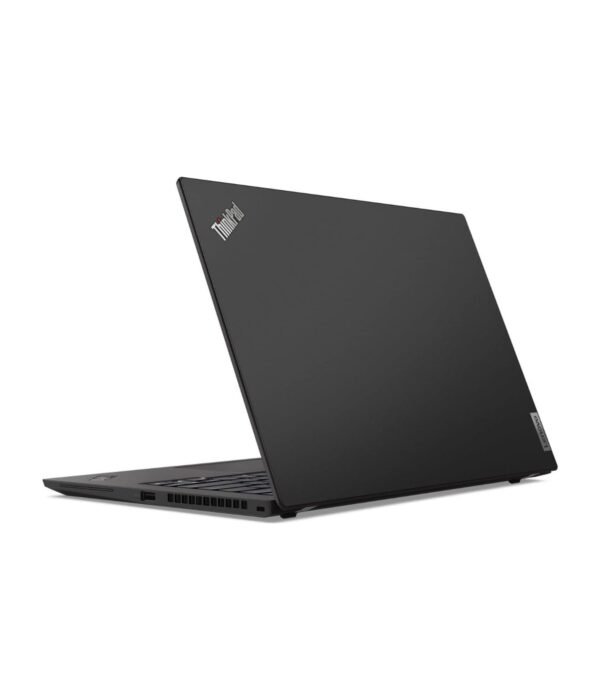
| Ports | 2 x Thunderbolt 4 USB-C, 2 x USB-A 5Gbps (one always on), HDMI 2.0, Headphone/mic combo jack |
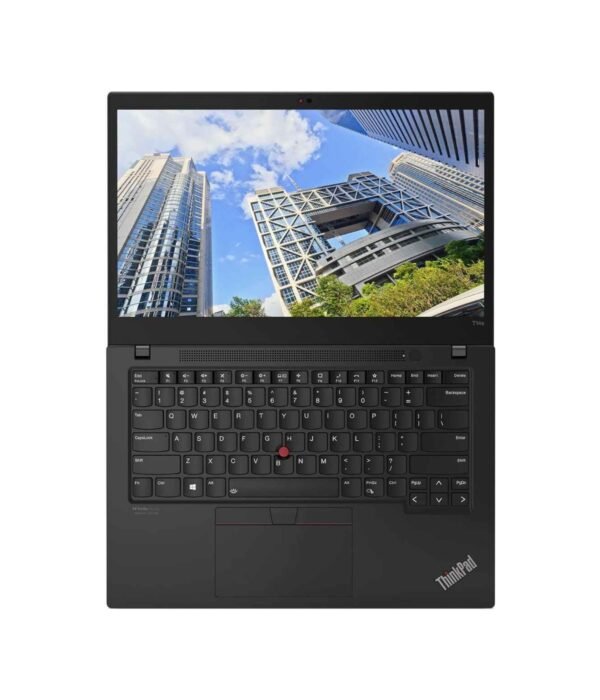
| Keyboard | Spill-resistant with TrackPoint |
| Weight | From about 1.28kg |
| Security | TPM 2.0 |
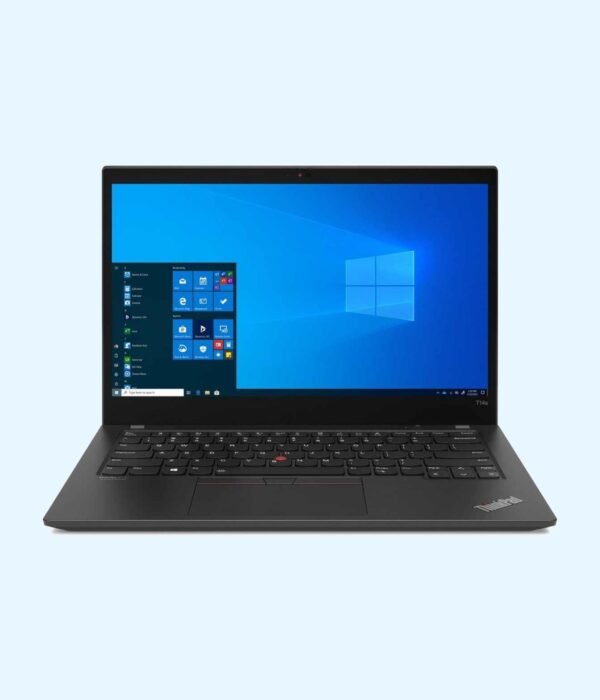
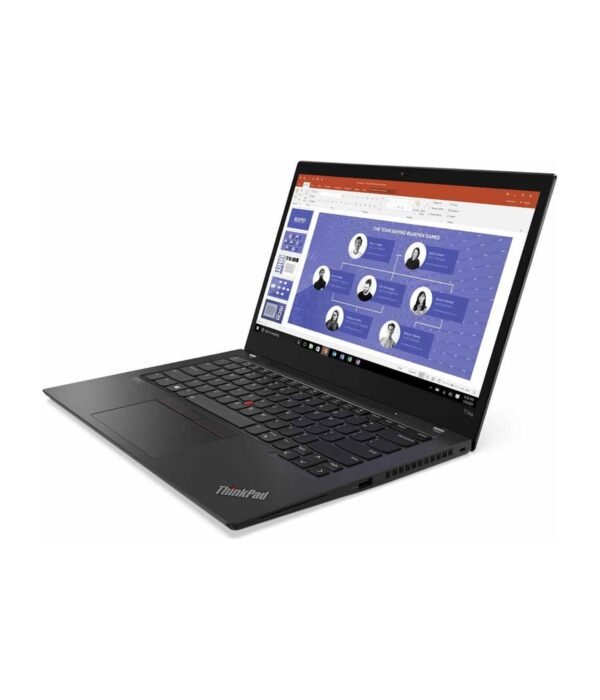
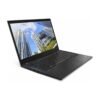
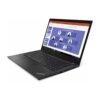
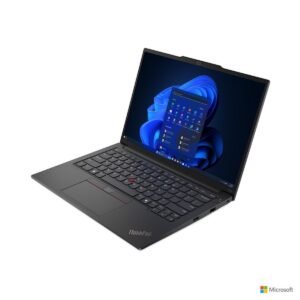
Lenovo ThinkPad T14s Gen 2
Price range: KSh 170,300.00 through KSh 222,200.00
- 11th Gen Intel Core i5-1135G7 or 11th Gen Intel Core i7
- 16GB LPDDR4x RAM, 512GB SSD
- 14 inch IPS screen, from about 1.28kg
- 2 x Thunderbolt 4, 2 x USB-A, HDMI, Wi-Fi 6
- Windows 11 installed by Encom before delivery
A thin, light 14 inch ThinkPad for professionals who travel
The Lenovo ThinkPad T14s Gen 2 is the slim member of Lenovo’s T series, the ThinkPad line that large companies, banks and international organisations buy for their staff. It keeps the famous ThinkPad keyboard and TrackPoint in a thin body that weighs under 1.6kg. It comes in two configurations here: an 11th Gen Intel Core i5-1135G7 or an 11th Gen Intel Core i7, both with 16GB of RAM and a 512GB SSD.
It is part of our range of business laptops.
What you get
11th Gen Core i5 or Core i7
Both processors are four-core, eight-thread chips from Intel’s 11th generation, with Intel Iris Xe graphics. The Core i5-1135G7 boosts up to 4.2GHz and covers Office, ERP and CRM systems, email and video calls with ease. The Core i7 gives you higher clock speeds and more cache for heavier multitasking and large files. If you are unsure which you need, tell us how the laptop will be used.
16GB RAM and a 512GB SSD
The 16GB of LPDDR4x memory runs in dual channel, which keeps the Iris Xe graphics quick. It is soldered to the board and cannot be upgraded, so 16GB is the sensible amount to buy. The 512GB NVMe SSD can be replaced with a larger M.2 drive later.
14 inch screen
Lenovo builds the T14s Gen 2 with 14 inch IPS panels, most of them Full HD 1920 x 1080 with an anti-glare finish. Panel options vary by unit, including touch and Privacy Guard versions, so ask us which one is in stock if that matters to you.
Ports
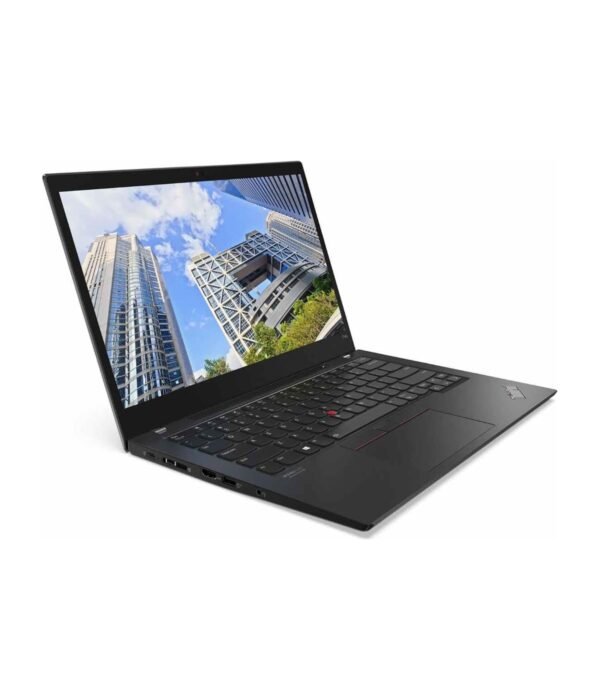
You get two Thunderbolt 4 USB-C ports for charging, docks and external displays, two USB-A ports (one always on, so you can charge a phone with the lid closed), an HDMI 2.0 port and a headset jack. One Thunderbolt dock gives you monitors, power and a wired network through a single cable.
Keyboard, wireless and security
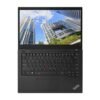
The spill-resistant ThinkPad keyboard is one of the best you can type on, with the red TrackPoint for people who prefer it to the touchpad. Wi-Fi 6 (or 6E, depending on the build) and Bluetooth 5.1 are built in, along with a 720p or 1080p webcam. A TPM 2.0 security chip protects encryption keys for BitLocker.
Size and weight
Lenovo quotes a starting weight of about 1.28kg and a thickness of about 16.1mm, depending on the cover and screen. It slips easily into a bag, and the 57Wh battery is large for a laptop this thin.
Who it suits
The T14s Gen 2 suits executives, consultants, auditors, NGO staff and anyone who works from airports, client offices and home in the same week. Companies that already run ThinkPads will find it fits their docks and management tools. If you need a built-in Ethernet port or plan to add memory later, a standard T14 is the better buy, and if you want the newest processors, look at the current generation.
Operating system
We install Windows 11 on it before delivery. If you would rather run a different operating system, tell us when you order.
How it compares
The Lenovo ThinkPad T14s Gen 1 is the previous model with a 10th Gen processor and a 1TB SSD. The Lenovo ThinkPad T14 Gen 2 uses the same generation in a thicker body with an Ethernet port and upgradable memory. For the newest slim ThinkPad, look at the Lenovo ThinkPad T14s Gen 6.
Full product details are on Lenovo’s official site.
Looking after it
Use a UPS or surge protector at your desk, since surges are a real risk in many parts of Kenya. Keep the vents on the bottom and side clear. If it lives on a dock, set a charge threshold in Lenovo Vantage, for example stopping at 80 percent, so the battery lasts more years. Clean the keyboard with a soft brush and the screen with a dry microfibre cloth.
Works well with
The Logitech MX Anywhere 3S is a compact mouse that works on almost any surface. The Logitech MX Keys Mini suits a desk setup, and the UGREEN 240W USB-C cable is a solid spare charging cable.
Frequently asked questions
Which processors are available?
An 11th Gen Intel Core i5-1135G7 or an 11th Gen Intel Core i7. Both have four cores and eight threads.
Can I upgrade the RAM?
No. The memory is soldered, so we stock it with 16GB.
Can I upgrade the SSD?
Yes. It uses an M.2 NVMe SSD that can be replaced with a larger one.
Does it have an Ethernet port?
Not a full-size one. Use a USB adapter or a Thunderbolt dock for wired networks.
Does it charge over USB-C?
Yes, through either Thunderbolt 4 port.
Can I use two monitors?
Yes, through HDMI and Thunderbolt 4, or through a dock.
Does it come with Windows?
Yes. We install Windows 11 before delivery. If you prefer another operating system, tell us when you order.
Buying from Encom Digital
Everything we sell is genuine Lenovo. Prices on this page exclude VAT, and every order comes with a KRA-compliant VAT invoice, which your accounts team will need if you are buying for a company.
We offer same-day delivery within Nairobi and deliver to the rest of Kenya. You can pay by M-Pesa, card or bank transfer. If you are fitting out an office, a school or an NGO, ask us for bulk and corporate pricing.
Call or WhatsApp us on +254 714 962 072, email us, or visit us at Rehema House, 4th Floor, Standard Street, Nairobi, Monday to Saturday, 8AM to 6PM.
What customers say about Encom Digital
Bought the Lenovo ThinkPad T14s Gen 2 from us? Review it on Google.Please mention the Lenovo ThinkPad T14s Gen 2 in your review so other shoppers can find it. We copy the name for you when you tap the button.
Review us on GoogleYou may also like…

Lenovo ThinkPad E14 Gen 6
Price range: KSh 148,500.00 through KSh 192,500.00Select options This product has multiple variants. The options may be chosen on the product pageLenovo ThinkPad T14s Gen 6
KSh 261,800.00

Related products
Dell Latitude 5530
KSh 128,200.00Dell Latitude 5430
KSh 135,300.00Dell Latitude 7200 2-in-1
KSh 165,000.00HP OmniBook 5 Flip 14 (14-fp0023dx)
KSh 115,500.00