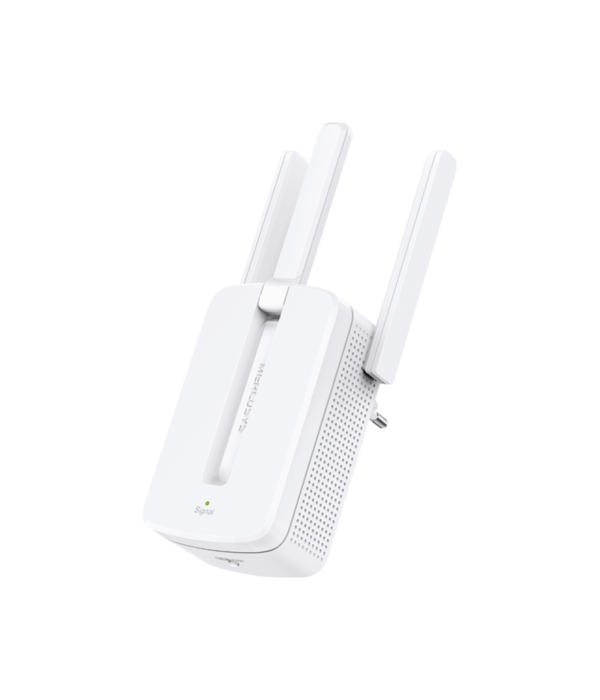
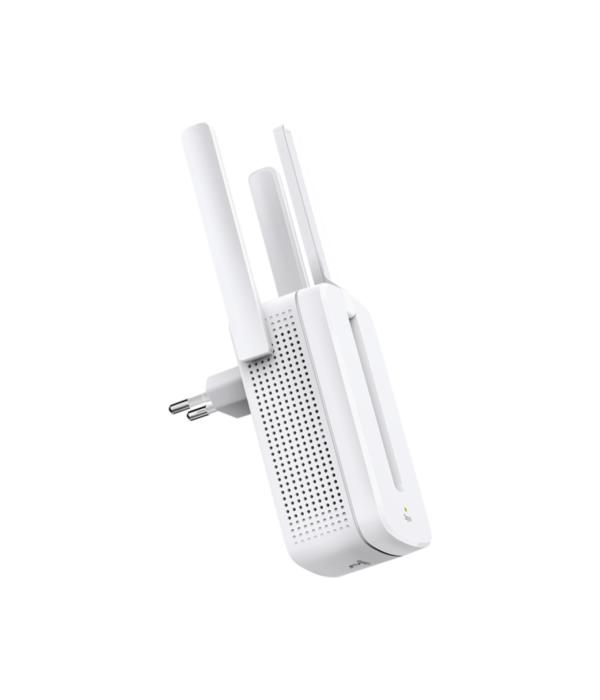
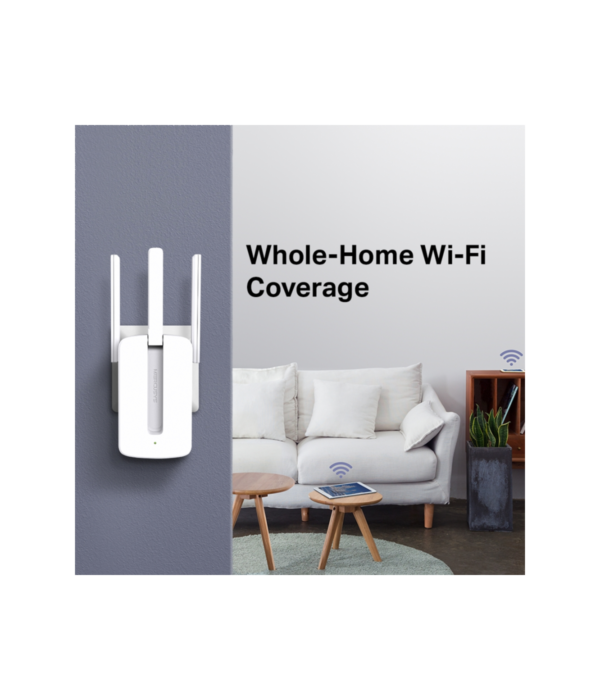
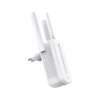
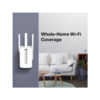
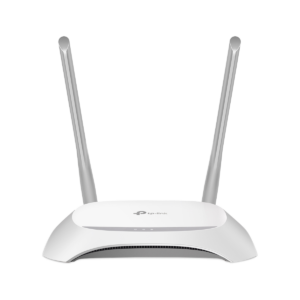
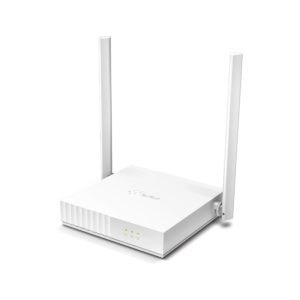
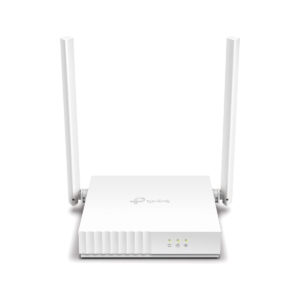
The Mercusys MW300RE in Kenya is an N300 Wi-Fi range extender that picks up your existing 2.4 GHz signal and repeats it into rooms where the router barely reaches. It plugs straight into a wall socket, so there is no extra cable to run, and setup takes a couple of minutes from the Mercusys app or the WPS button.
Who it suits
It is a sensible fix for a home with a dead bedroom, a shop with a weak back corner, or a small office where one router cannot cover every room. It extends 2.4 GHz only, with speeds up to 300 Mbps, so it fits browsing, messaging and video streaming at normal quality. If you need 5 GHz coverage, look at a dual-band extender or a mesh system instead.
Key facts
Standard: 802.11n, 2.4 GHz, up to 300 Mbps
Antennas: 3 external
Mode: range extender
Security: WPA-PSK and WPA2-PSK
Setup: Mercusys app (iOS and Android) or WPS button
Size: 101 x 74.8 x 75.8 mm
How setup works
Mercusys describes a two-touch setup. Plug the extender in between the router and the dead spot, then either press the WPS button on both devices or open the Mercusys app and follow the steps. A multicolour signal light helps you find a spot with good signal. The app also gives you device status, QoS, new device alerts, a guest network and parental controls with online time limits, website blocking and a pause switch for the internet.
Where to place it
An extender repeats the signal it receives, so it needs a decent signal from your router to start with. Put it about halfway between the router and the weak area, not in the weak area itself. Thick concrete walls and metal cupboards cut Wi-Fi sharply, so keep line of sight in mind.
Shop online at shop.encom.africa and pay by M-Pesa, card or bank transfer. We deliver the same day within Nairobi and ship countrywide, and every order comes with a KRA-compliant VAT invoice. Schools, offices and installers can ask for bulk and corporate pricing on +254 714 962 072 or sales@encom.africa.
Frequently asked questions
Does the MW300RE support 5 GHz?
No. It works on 2.4 GHz only, with speeds up to 300 Mbps.
Can I plug a wired device into it?
It is built to extend your Wi-Fi signal. For wired devices, use a router or access point that has LAN ports.
Will it work with any router?
It repeats the Wi-Fi from a standard 2.4 GHz router. It can be set up with the WPS button or the Mercusys app.
Can I manage it from my phone?
Yes. The Mercusys app on Android and iOS handles setup and the extra controls.
What customers say about Encom Digital
Bought the Mercusys MW300RE from us? Review it on Google.Please mention the Mercusys MW300RE in your review so other shoppers can find it. We copy the name for you when you tap the button.