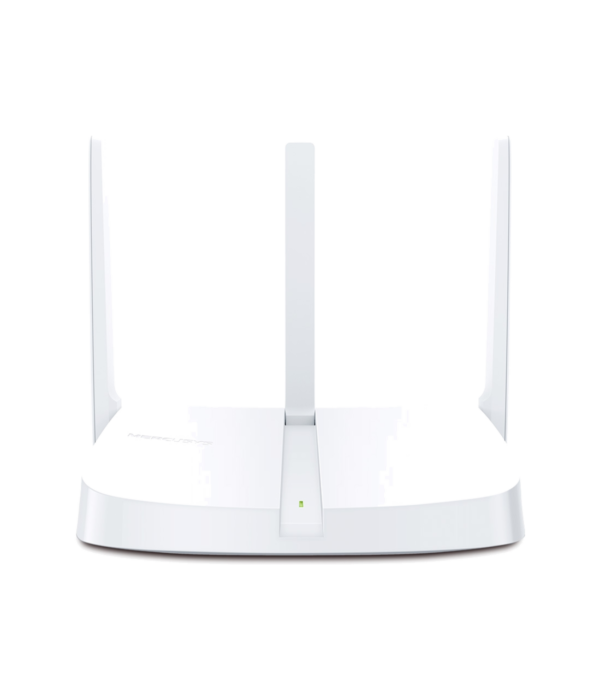
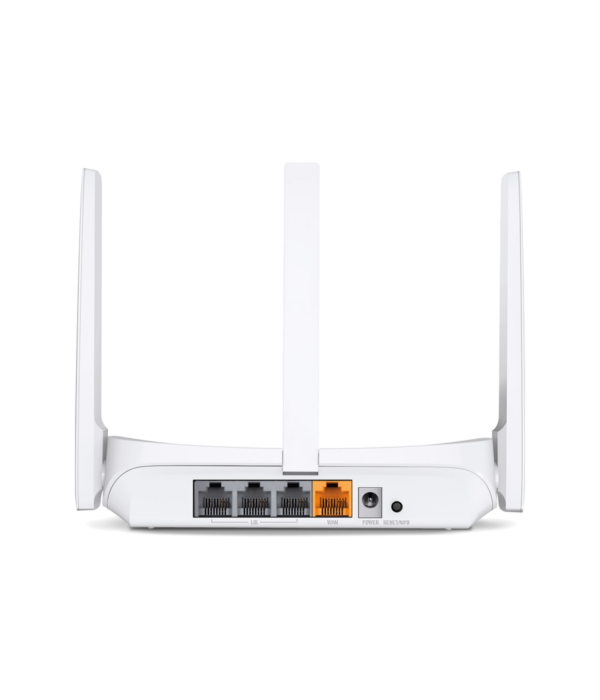
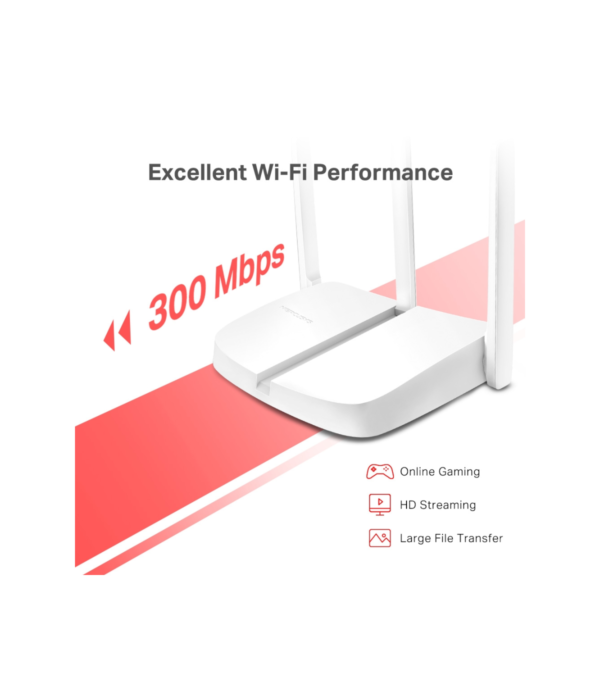
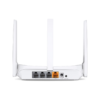
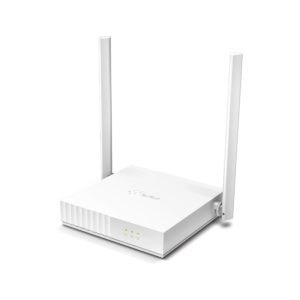
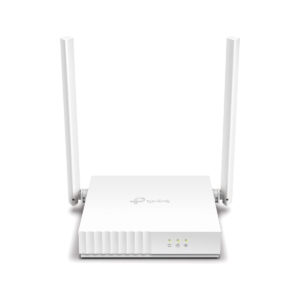
The Mercusys MW306R in Kenya is a plain, low-cost N300 router for small homes, bedsitters, single-room offices and anyone who just needs a dependable 2.4 GHz network with a few wired ports. It gives you up to 300 Mbps on 2.4 GHz through three external 5 dBi antennas, and it has four Fast Ethernet ports for your modem and a few wired devices.
Who it suits
The MW306R is aimed at light use: browsing, WhatsApp, YouTube at a sensible quality and a handful of connected phones. It is also useful as a replacement for a worn-out router or as a spare, because it can work as a router, an access point, a range extender or a WISP client. Note that it is single-band, 2.4 GHz only, and its ports run at 10/100 Mbps, so it is not the pick for a fast fibre plan.
Key facts
Wi-Fi: N300, 802.11b/g/n, 2.4 GHz only (Wi-Fi 4)
Ports: 1 x 10/100 WAN, 3 x 10/100 LAN
Antennas: 3 external, 5 dBi each
Modes: router, access point, range extender, WISP
Size: 168.9 x 115.4 x 34.7 mm, weight 150 g
Power: 5 V / 0.6 A adapter
Setup and features
Mercusys lets you manage the MW306R from its app or its web page. You get a guest network, a wireless schedule, WPS, AP isolation, parental controls with time limits and website filtering, and QoS to give priority to chosen devices. The WAN side supports Dynamic IP, Static IP, PPPoE, PPTP and L2TP, so it works with most ISP set-ups in Kenya. It also supports IPv6 and has an LED night mode, useful in a bedroom. It sits on a desk or mounts on a wall.
Getting the best from it
Place it high and in the middle of the area you want to cover, away from the microwave and from thick walls. With three antennas, angle one straight up and the others slightly outward. Because 2.4 GHz is crowded in apartment blocks, pick a quiet channel in the settings if the signal feels slow in the evening. Wi-Fi rates quoted by Mercusys are maximum physical rates, so real speeds will be lower.
What it works with
Plug it into the Ethernet output of your ISP modem or ONT. If the signal does not reach the far rooms, add the Mercusys MW300RE range extender, or upgrade to the Mercusys MR80X when you want 5 GHz and Wi-Fi 6. A short UGREEN Cat6 Ethernet cable is handy for wired devices. The box includes the router, the power adapter, a quick installation guide and an RJ45 cable. Browse the Mercusys range, all routers or networking.
Same-day delivery is available across Nairobi, and we send orders to the rest of Kenya too. Pay with M-Pesa, card or bank transfer and receive a KRA-compliant VAT invoice for your records. Need several units for a branch, hostel or office? Contact sales@encom.africa or +254 714 962 072 for bulk and corporate pricing.
Frequently asked questions
Does the MW306R have 5 GHz?
No. It is a single-band 2.4 GHz router with up to 300 Mbps. For 5 GHz you would look at a dual-band model like the MR80X.
Is it fast enough for fibre?
Its WAN and LAN ports run at 10/100 Mbps, so wired speeds top out at 100 Mbps. It suits plans up to that level.
Can I use it as a range extender?
Yes. Mercusys lists router, access point, range extender and WISP modes.
What comes in the box?
The router, a power adapter, a quick installation guide and an RJ45 Ethernet cable.
What customers say about Encom Digital
Bought the Mercusys MW306R from us? Review it on Google.Please mention the Mercusys MW306R in your review so other shoppers can find it. We copy the name for you when you tap the button.