
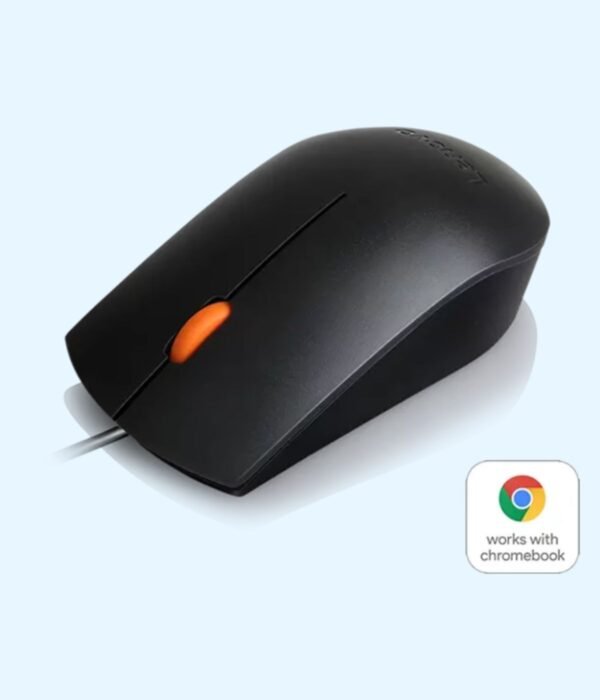
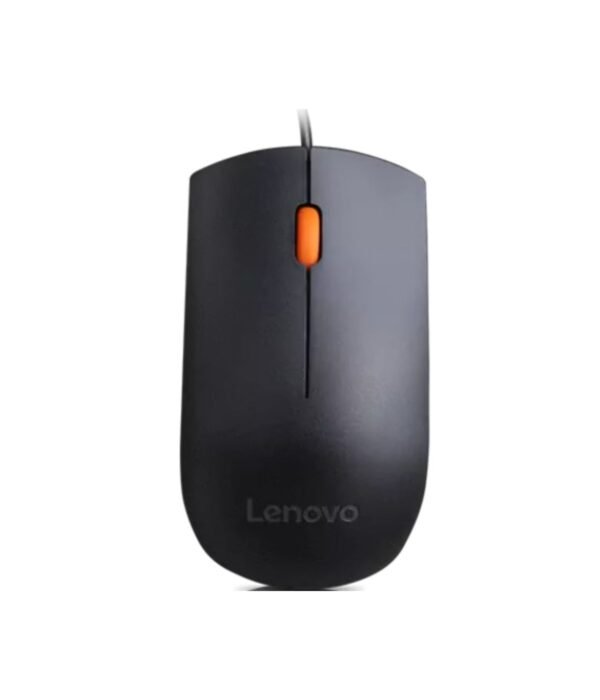
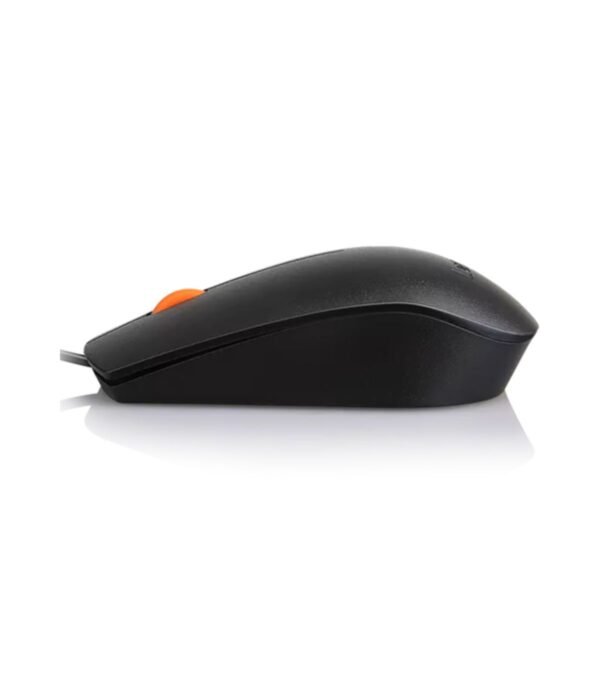
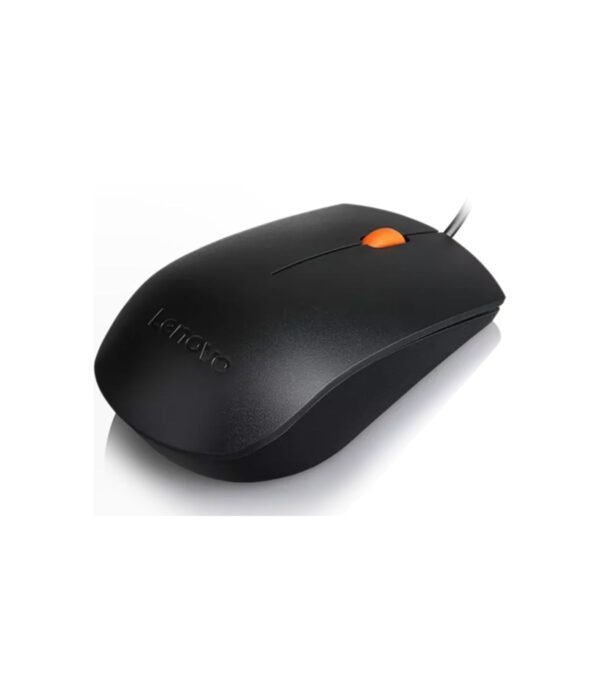
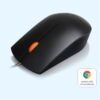
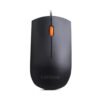
| Connection | Wired USB-A |
|---|---|
| Colour | Black |
| Part Number | GX30M39704 |
Lenovo 300 Wired USB Mouse (Black)
KSh 750.00
- Wired USB, plug and play
- No batteries to replace
- Shape suits left or right hand
- Part number GX30M39704
A dependable wired mouse for office desktops and laptops
The Lenovo 300 Wired USB Mouse is a basic mouse that does the job and keeps doing it. It plugs into a USB port, needs no batteries and no software, and works within seconds of plugging it in.
It is part of our mice and keyboards range, alongside wireless and silent mice if you want something different.
Why the Lenovo 300 is a sensible buy
No batteries to buy or change
The mouse takes its power from the USB port, so it never runs flat in the middle of a task. For an IT team looking after many desks, that removes one of the most common support calls.
A long 1.8 metre cable
The published specifications give the cable length as 1.8 metres. That is longer than many budget mice, and it matters on a desktop: the cable can reach a tower sitting on the floor under the desk, or a port on the back of a monitor, without pulling the mouse across the desk.
1600 DPI optical sensor
The optical sensor is rated at 1600 DPI, faster than the 1000 DPI common on basic office mice. On a large monitor or a two-screen setup, you cross the screen with less hand movement. It tracks well on a desk, a mouse pad or a wooden table. On glass, add a UGREEN mouse pad.
Three buttons and a scroll wheel
You get left and right buttons and a scroll wheel that clicks as a middle button. Middle-clicking a link in your browser opens it in a new tab, and middle-clicking a tab closes it.
A shape for either hand
The body is symmetrical, so it suits left-handed and right-handed users. The size is about 111 mm long, 63 mm wide and 34 mm high, a comfortable middle size that fills most hands without feeling bulky.
Compatibility
The Lenovo 300 uses a standard USB-A plug and the mouse driver built into Windows. Lenovo lists Windows support, and as a standard USB mouse it normally works on macOS, ChromeOS and Linux as well. Laptops that only have USB-C ports, such as recent MacBooks, need a USB-C to USB-A adapter or hub.
Setting it up
Plug the cable into a free USB-A port. Your computer sets it up automatically within a few seconds. If the pointer feels too fast at 1600 DPI, slow it down in your mouse settings.
Who it suits
The Lenovo 300 suits offices fitting out desktops, school labs, cybers and receptions, and anyone who wants a cheap mouse that will not need batteries. It sits naturally beside Lenovo desktops such as the Lenovo ThinkCentre M70t Gen 5 and the Lenovo ThinkCentre neo 50t Gen 5. Choose something else if you move around a lot with a laptop and find a cable annoying, if click noise bothers people around you, or if you need extra buttons for design or gaming.
How it compares
If you also need a keyboard, the Lenovo 160 Wired Combo gives you a matching wired keyboard and mouse. If you want to lose the cable, the Lenovo 400 Wireless Mouse is a simple wireless option. The HP M10 costs the same and is another dependable wired choice, and the Rapoo N200 is another low-cost wired option.
Full product details are on Lenovo’s official site.
Looking after it
Wipe the mouse with a slightly damp cloth now and then and clear dust from the sensor window underneath. If the pointer jumps, clean the sensor or try a different surface. Avoid wrapping the cable tightly around the mouse when you pack it, because sharp bends near the plug are what usually break a wired mouse. Unplug it by holding the plug, not the cable.
Frequently asked questions
Does it need batteries?
No. It is powered through USB.
How long is the cable?
About 1.8 metres.
Does it need software?
No. It uses the built-in mouse driver.
Will it work with a Mac?
Lenovo lists Windows, but it normally works on a Mac as a standard USB mouse. A USB-C only Mac needs an adapter.
Is it suitable for left-handed users?
Yes. The shape is symmetrical.
Can I slow the pointer down?
Yes. Change the pointer speed in your computer’s mouse settings.
Buying from Encom Digital
Everything we sell is genuine Lenovo. Prices on this page exclude VAT, and every order comes with a KRA-compliant VAT invoice, which your accounts team will need if you are buying for a company.
We offer same-day delivery within Nairobi and deliver to the rest of Kenya. You can pay by M-Pesa, card or bank transfer. If you are fitting out an office, a school or an NGO, ask us for bulk and corporate pricing.
Call or WhatsApp us on +254 714 962 072, email us, or visit us at Rehema House, 4th Floor, Standard Street, Nairobi, Monday to Saturday, 8AM to 6PM.
You may also like…

Lenovo 400 Wireless Mouse
KSh 1,400.00
Related products
Apple MacBook Air 13 inch (M2)
KSh 140,800.00Dell Latitude 5530
KSh 128,200.00Dell Latitude 5440
Price range: KSh 137,500.00 through KSh 143,000.00Select options This product has multiple variants. The options may be chosen on the product pageDell OptiPlex 7020 Micro Tower
Price range: KSh 110,200.00 through KSh 139,200.00Select options This product has multiple variants. The options may be chosen on the product page



Reviews
There are no reviews yet.