
| Connection | 2.4GHz wireless, USB-A receiver |
|---|---|
| Hand | Ambidextrous |
| Model | WM126 |
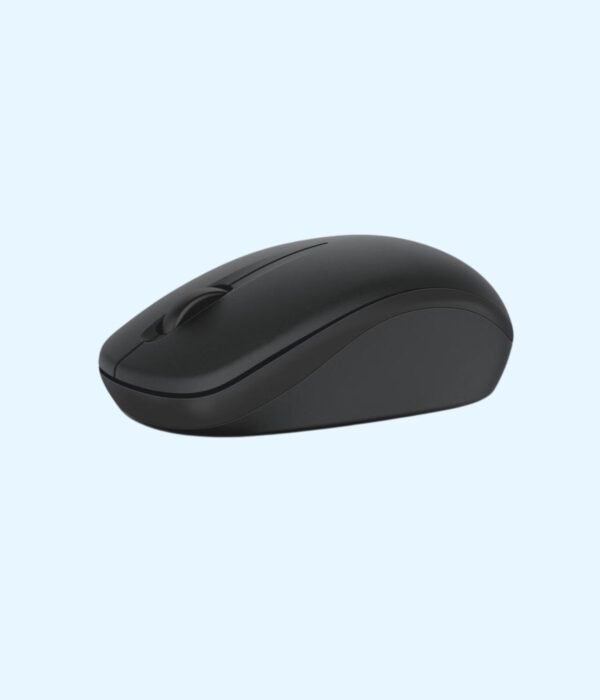
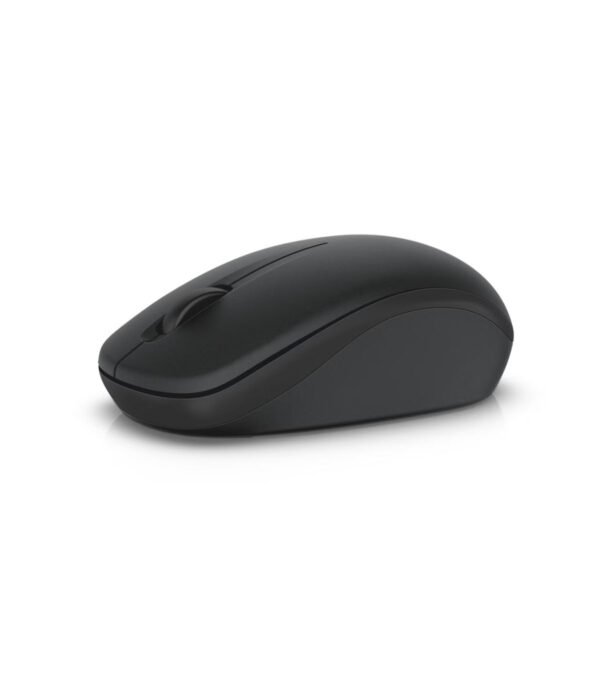
Dell Wireless Mouse WM126
KSh 1,750.00
- 2.4GHz wireless with a USB receiver
- Ambidextrous shape
- Plug and play
- Model WM126
A dependable wireless mouse for laptops and office desks
The Dell WM126 is a simple wireless mouse that does the everyday job well. A small USB receiver plugs into your computer, the mouse runs on one AA battery for months, and there is no software to install. People buy it to replace a laptop touchpad or to give staff a mouse that works the same on every machine.
It is part of our mice and keyboards range.
What the WM126 does well
Plug-and-play wireless
The WM126 connects over 2.4 GHz wireless through a USB receiver. Plug the receiver in and it works. There is no pairing and no driver to download.
Up to a year on one battery
Dell rates the WM126 at up to 12 months on a single AA battery, and notes that this varies with how much you use it. In practice, one battery change a year per desk is far easier to manage than a drawer full of charging cables.
A shape for either hand
Dell describes the WM126 as nicely contoured and comfortable in either hand. The body is symmetrical, so left-handed staff can use the same mouse as everyone else. Dell gives the size as about 95 mm long, 57 mm wide and 36 mm high, and the weight as about 80 g with the battery fitted.
Steady 1000 DPI tracking
The optical sensor runs at 1000 DPI. That is the right speed for office work, browsing and spreadsheets on a laptop screen or a standard monitor. It tracks well on a desk or a mouse pad, but like most optical mice it struggles on glass. A UGREEN mouse pad fixes that for very little money.
Three buttons and a scroll wheel
You get left and right buttons and a clickable scroll wheel that moves in steps, which gives good control when you scroll through long documents or spreadsheets.
One receiver for several Dell devices
The WM126 supports Dell Universal Pairing. With Dell’s free software, one receiver can connect up to six compatible Dell wireless devices, such as a keyboard and mouse, which saves USB ports on a laptop.
Compatibility
Dell lists support for Windows 7, 8.1, 10 and 11, macOS, Linux and Ubuntu, ChromeOS and Android. The receiver needs a USB-A port. Laptops that only have USB-C ports, such as recent MacBooks, need a USB-C to USB-A adapter or hub.
Setting it up
Open the battery cover, fit an AA battery, and plug the receiver into a free USB-A port. Your computer recognises it within a few seconds. If you want to share the receiver with another Dell device, install Dell Universal Pairing from Dell’s support site.
Who it suits
The WM126 suits offices buying mice in quantity, students who want a reliable mouse for a laptop, and anyone replacing a worn-out mouse. It sits well beside Dell machines such as the Dell Latitude 3540 and the Dell OptiPlex 3000 SFF. Choose something else if you want a rechargeable mouse, need Bluetooth to connect without a receiver, or do design work that calls for extra buttons.
How it compares
If you want a keyboard as well, the Dell KM3322W gives you a full-size wireless keyboard and mouse on one receiver. If you would rather never buy batteries, the Lenovo 300 Wired USB Mouse costs less and runs from the USB port. And the Logitech M185 is a close rival in a slightly smaller body.
Full product details are on Dell’s official site.
Looking after it
Wipe the mouse with a slightly damp cloth now and then, and keep the sensor window underneath free of dust. When the pointer starts to jump or lag, change the battery first. Keep the receiver safe if you unplug it.
Frequently asked questions
What battery does it use?
One AA battery.
How long does the battery last?
Dell rates it at up to 12 months. Heavy daily use will shorten that.
Does it work with a Mac?
Yes. Dell lists macOS support. A USB-C only Mac needs an adapter.
Is it suitable for left-handed users?
Yes. The shape is symmetrical.
Does it have Bluetooth?
No. It connects through its USB receiver.
Do I need to install anything?
No. Software is only needed if you want to share the receiver with other Dell devices.
Can I order several for an office?
Yes. Contact us for bulk pricing and a VAT invoice.
Buying from Encom Digital
Everything we sell is genuine Dell. Prices on this page exclude VAT, and every order comes with a KRA-compliant VAT invoice, which your accounts team will need if you are buying for a company.
We offer same-day delivery within Nairobi and deliver to the rest of Kenya. You can pay by M-Pesa, card or bank transfer. If you are fitting out an office, a school or an NGO, ask us for bulk and corporate pricing.
Call or WhatsApp us on +254 714 962 072, email us, or visit us at Rehema House, 4th Floor, Standard Street, Nairobi, Monday to Saturday, 8AM to 6PM.
You may also like…

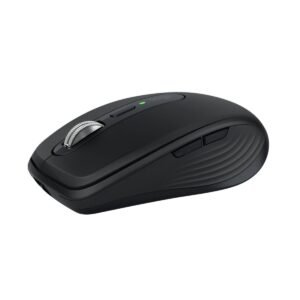
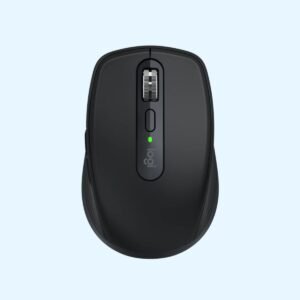
Logitech MX Anywhere 3S Bluetooth Mouse (Graphite)
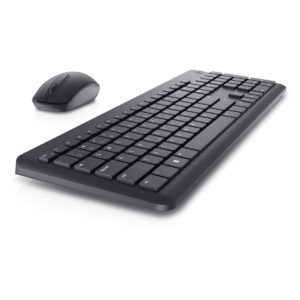
KSh 11,900.00Dell Wireless Keyboard and Mouse KM3322W
KSh 3,100.00

Related products
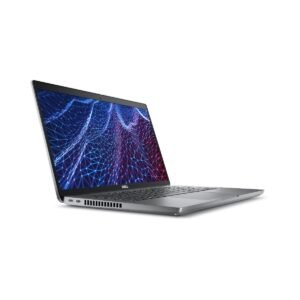
Dell Latitude 5430
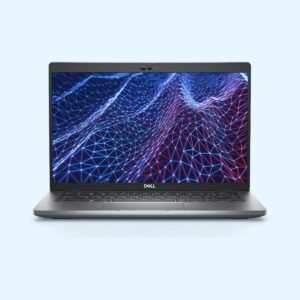
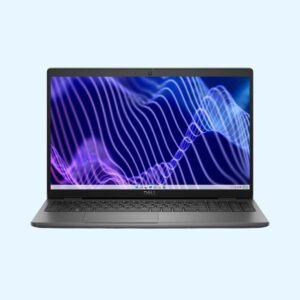
KSh 135,300.00Dell Latitude 3540
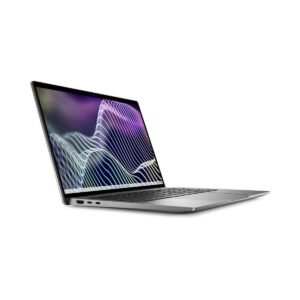
KSh 130,400.00Dell Latitude 7440
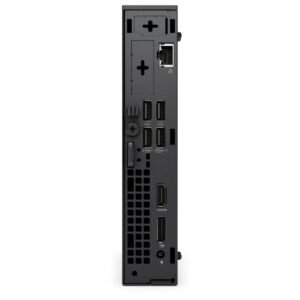
KSh 217,800.00Dell OptiPlex 7020 Micro Tower
Price range: KSh 110,200.00 through KSh 139,200.00Select options This product has multiple variants. The options may be chosen on the product page


Reviews
There are no reviews yet.