
| Processor | Intel Core Ultra 7 256V |
|---|---|
| RAM | 16GB |
| Storage | 512GB SSD |
| Screen Size | 13.4 inch |
| Graphics | Intel Arc 140V graphics |
| Operating System | Windows 11 Pro |
| Form Factor | Clamshell |
| Model | XPS 13 9350 |
| Ports | 2 x Thunderbolt 4 (USB-C, charging and DisplayPort) |
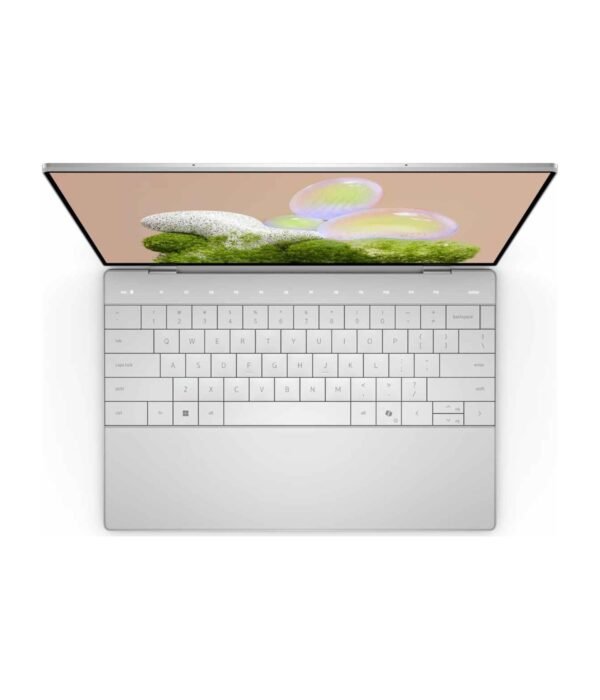
| Keyboard | Edge-to-edge, backlit, touch function row |
| Weight | From about 1.18kg to 1.22kg |
| Security | IR camera for Windows Hello |
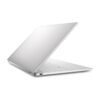
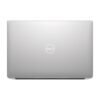
Dell XPS 13 9350
KSh 363,000.00
- Intel Core Ultra 7 256V, Copilot+ PC with 47 TOPS NPU
- 16GB LPDDR5X with 512GB SSD
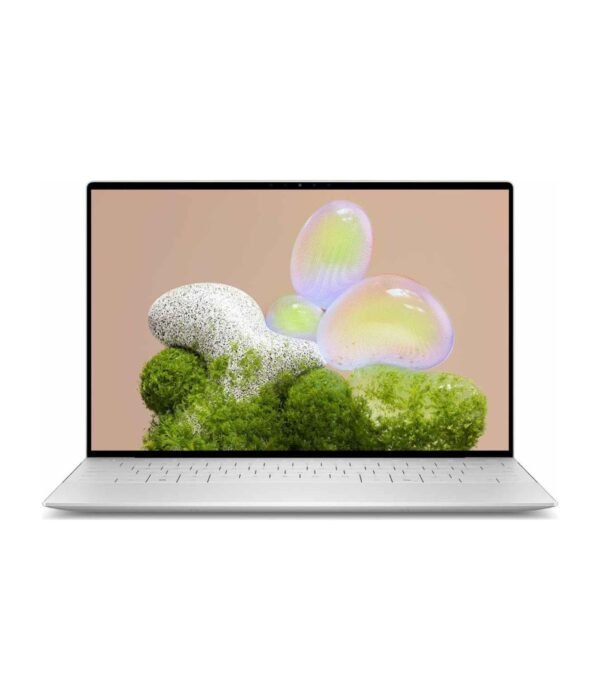
- 13.4 inch 16:10 screen
- 2 x Thunderbolt 4, Wi-Fi 7, about 1.2kg
- Windows 11 Pro
A small, premium Dell for people who carry their laptop everywhere
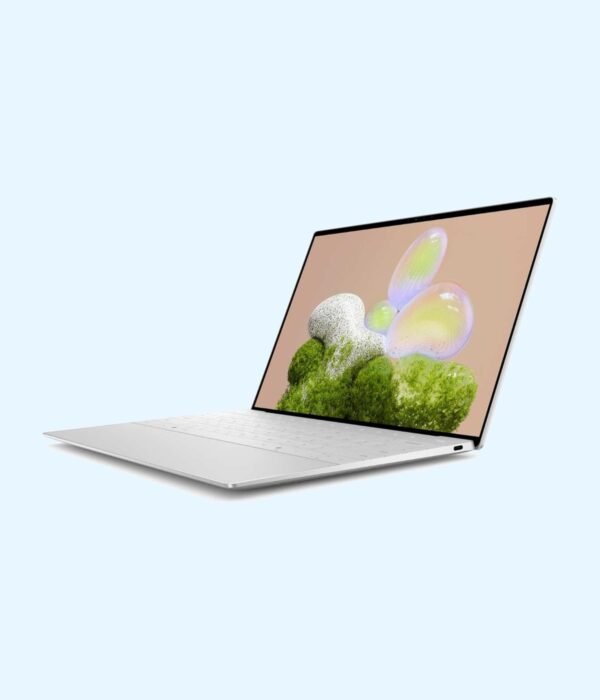
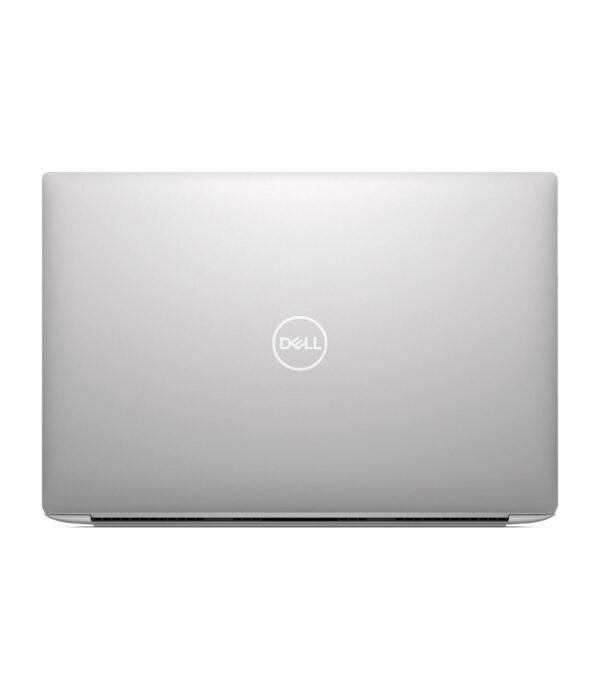
The Dell XPS 13 9350 is Dell’s smallest premium laptop, built around Intel’s Core Ultra 200V processors, the chips Intel code-named Lunar Lake and designed for long battery life. It has an aluminium body, a 13.4 inch 16:10 screen and a weight of about 1.2kg. Our configuration has an Intel Core Ultra 7 256V, 16GB of memory and a 512GB SSD, with Windows 11 Pro. It is a Copilot+ PC, so it runs the AI features Microsoft keeps for laptops with a fast NPU.
It is part of our range of home laptops, and it suits professionals just as well.
What you get
Intel Core Ultra 7 256V
The 256V has eight cores and boosts up to 4.8GHz. Its Intel Arc 140V graphics are quick enough for photo editing, 4K video playback and light video work, and its NPU is rated at up to 47 TOPS for on-device AI such as Windows Studio Effects on calls and live caption translation. Lunar Lake was built for efficiency, so the laptop stays cool and quiet in normal work and stretches its 55Wh battery a long way.
16GB of memory and a 512GB SSD
The memory is LPDDR5X at 8533 MT/s, mounted on the processor package. That makes it fast and efficient, but it cannot be upgraded, so 16GB is what this laptop will always have. For Office, browsers, Teams and photo editing that is plenty. The 512GB SSD is a PCIe Gen4 NVMe drive, so start-up and file opening are quick.
13.4 inch screen
Dell sells the 9350 with three 16:10 screens: a 1920 x 1200 non-touch panel at up to 120Hz, a 2560 x 1600 touch panel at up to 120Hz, and a 2880 x 1800 OLED touch panel. All three cover at least the full sRGB colour range and reach 400 nits or more. Listings for our part number describe a touchscreen, but ask us to confirm which panel your unit has before you order if it matters to you.
Two Thunderbolt 4 ports and nothing else
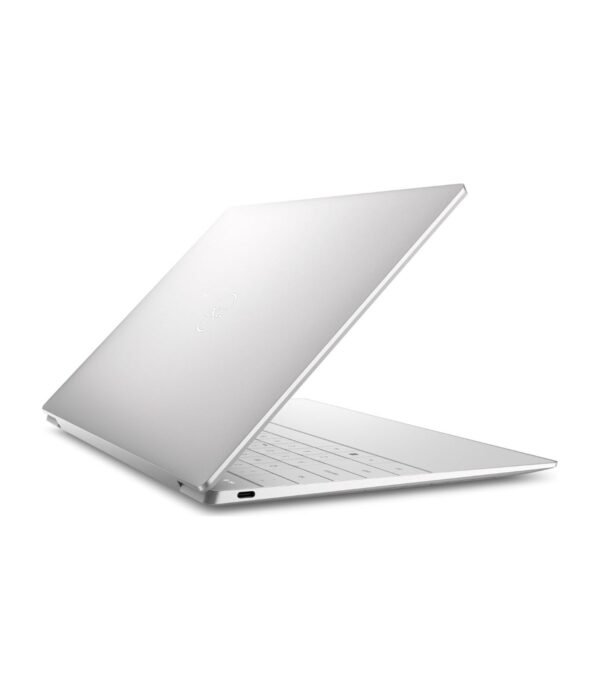
The only ports are two Thunderbolt 4 USB-C ports. Both charge the laptop and both drive external monitors. There is no USB-A port, no HDMI port and no headphone jack, so plan on Bluetooth or USB-C headphones, and a USB-C hub or dock if you connect projectors, flash drives or wired networks.
Keyboard, touchpad and webcam
The keyboard runs edge to edge, with a row of touch-sensitive function keys in place of physical ones. The touchpad sits under a flat glass palm rest with haptic feedback, so there is no visible outline. The 1080p webcam has an IR camera for Windows Hello face login, and Wi-Fi 7 with Bluetooth 5.4 is built in.
Size and weight
It is 295mm wide, 199mm deep and about 15mm thick. Dell quotes a starting weight of 1.18kg to 1.22kg depending on the screen. It fits in a small bag and is easy to work on in a car, a hotel room or a client’s office.
Who it suits
The XPS 13 suits executives, consultants, lawyers, writers and frequent travellers who want a small laptop that looks the part and lasts through a working day away from a socket. It also suits university students with a bigger budget. Choose something else if you plug into projectors, flash drives and network cables every day and do not want to carry adapters, if you want to add memory later, or if you edit video seriously or play games.
Operating system
It comes with Windows 11 Pro, which adds BitLocker encryption, Remote Desktop hosting and the tools IT teams use to manage company devices.
How it compares
The Apple MacBook Air M5 is the closest rival for weight and battery life if you are happy on macOS. The HP OmniBook Ultra Flip 14 uses the same Lunar Lake generation in a 14 inch 2-in-1 with an OLED screen. If you want the same Core Ultra 7 256V for less money, with more ports and a 14 inch OLED screen, look at the ASUS Vivobook S14 OLED.
Full product details are on Dell’s official site.
Looking after it
Use a surge protector or a UPS where power cuts are common, because a surge when power returns can damage the charger and the board. Keep the vents clear by working on a hard surface rather than a bed or sofa. If it stays plugged in at a desk most of the day, Dell’s power settings let you limit charging so the battery lasts longer. Clean the glass palm rest and the screen with a dry microfibre cloth, and the keyboard with a soft brush.
Works well with
With no USB-A port, Bluetooth accessories make sense. The Logitech MX Anywhere 3S is a compact mouse that pairs over Bluetooth, and the Logitech MX Keys Mini is a backlit keyboard for your desk. A spare UGREEN 240W USB-C cable is handy for charging and USB-C monitors.
Frequently asked questions
Can I upgrade the RAM?
No. The 16GB is mounted on the processor package and cannot be changed.
Does it have a headphone jack?
No. Use Bluetooth headphones, USB-C headphones or a USB-C to 3.5mm adapter.
How do I connect a projector or monitor?
Through either Thunderbolt 4 port, with a USB-C monitor, a USB-C to HDMI adapter or a dock.
Is it a touchscreen?
Listings for this part number say yes. Ask us to confirm the panel before you order.
Is it a Copilot+ PC?
Yes. The Core Ultra 7 256V has an NPU rated at up to 47 TOPS.
How heavy is it?
About 1.2kg, depending on the screen.
Which version of Windows does it have?
Windows 11 Pro.
Buying from Encom Digital
Everything we sell is genuine Dell. Prices on this page exclude VAT, and every order comes with a KRA-compliant VAT invoice, which your accounts team will need if you are buying for a company.
We offer same-day delivery within Nairobi and deliver to the rest of Kenya. You can pay by M-Pesa, card or bank transfer. If you are fitting out an office, a school or an NGO, ask us for bulk and corporate pricing.
Call or WhatsApp us on +254 714 962 072, email us, or visit us at Rehema House, 4th Floor, Standard Street, Nairobi, Monday to Saturday, 8AM to 6PM.
You may also like…

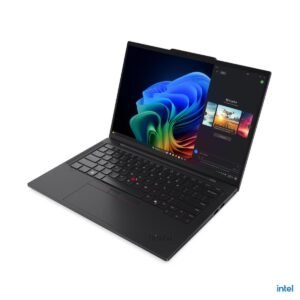
Lenovo ThinkPad T14s Gen 6
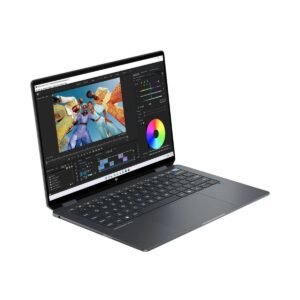
KSh 261,800.00HP OmniBook Ultra Flip 14
Price range: KSh 198,000.00 through KSh 253,000.00Select options This product has multiple variants. The options may be chosen on the product pageApple MacBook Pro 14 inch (M5)
KSh 295,350.00



Related products
Lenovo IdeaPad Slim 3 15IRH8
KSh 85,800.00Lenovo IdeaPad Slim 3 15IRH10
KSh 77,000.00HP 15-dw Laptop
Price range: KSh 49,500.00 through KSh 86,900.00Select options This product has multiple variants. The options may be chosen on the product pageLenovo V14 G4 IRU
Price range: KSh 74,800.00 through KSh 82,500.00Select options This product has multiple variants. The options may be chosen on the product page


Reviews
There are no reviews yet.