

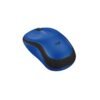
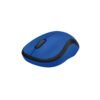
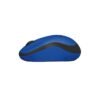
| Connection | 2.4 GHz USB nano receiver |
|---|---|
| Clicks | Silent |
| Power | 1 x AA battery |
| Shape | Compact, ambidextrous |
| Colour | Charcoal |
| Part Number | 910-006510 |
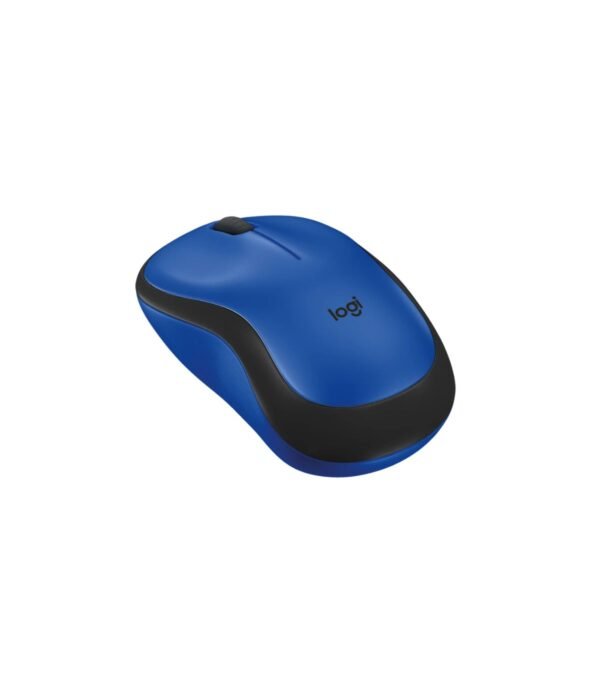
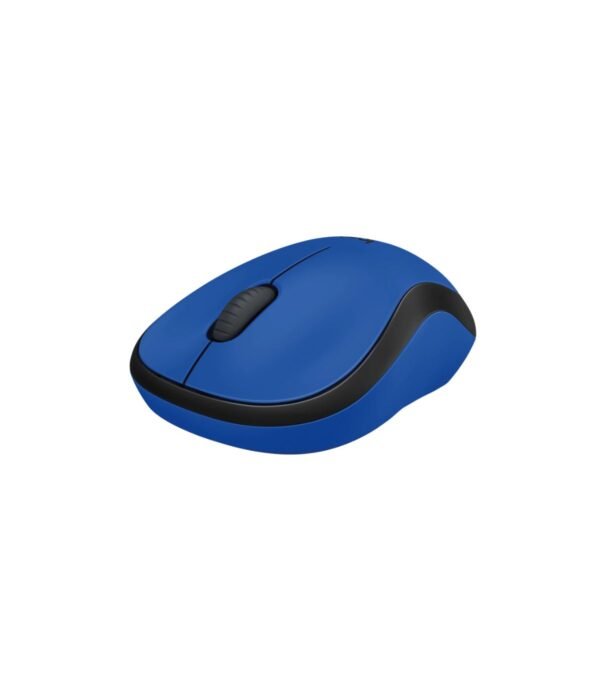
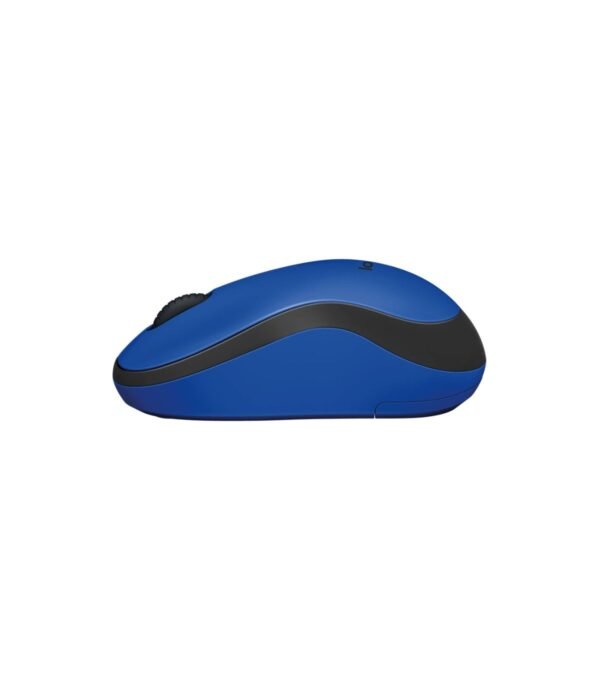
Logitech M221 Silent Wireless Mouse (Charcoal)
KSh 2,100.00
- Quiet clicks for shared offices and libraries
- Compact shape for left or right hand
- Plug-and-play USB receiver
- Part number 910-006510
A quiet wireless mouse for shared offices, libraries and late nights
The Logitech M221 Silent looks like an ordinary compact wireless mouse, but it is built to make almost no noise when you click. In an open-plan office, a library, a classroom during exams or a bedroom where someone is asleep, the constant clicking from a normal mouse is surprisingly irritating. The M221 replaces it with a soft, muted tap while keeping the feel of a proper click under your finger.
Apart from the quiet buttons, it keeps the simple formula of Logitech’s everyday mice: a small USB receiver, one AA battery and nothing to install. It costs a little more than the standard models, and the silence is what the extra money buys.
See the rest of our mice and keyboards range for keyboards to go with it.
What sets the M221 apart
SilentTouch clicks
Logitech’s SilentTouch technology cuts more than 90 percent of the click sound, measured against a standard Logitech M170. You still feel each click, so you know it has registered, but the people around you hardly hear it. This is the main reason to choose the M221 over a cheaper mouse. If you share a desk cluster with five or six colleagues, the difference across a working day is real.
Up to 18 months on one AA battery
Logitech rates the battery life at up to 18 months, half as long again as the 12 months it quotes for the M170, M171 and M185. There is an on and off switch underneath and an automatic sleep mode that kicks in when you stop using the mouse. For an office manager, that means fewer battery requests and fewer interruptions.
Compact and ambidextrous
The mouse measures about 99 mm long, 60 mm wide and 39 mm high, and weighs around 75 g with its battery. That is the same compact size class as the M185. It fits easily in a laptop bag and suits small to medium hands. The symmetrical shape works for left-handed and right-handed users alike.
Plug-and-play receiver
It connects over 2.4 GHz wireless through a USB nano receiver, with a range of up to 10 metres according to Logitech. The connection is steady and does not need pairing. Leave the receiver plugged into your laptop and the mouse is ready whenever you switch it on.
Smooth tracking and scrolling
A 1,000 DPI optical sensor handles everyday work well on desks, mouse pads and most table tops. The scroll wheel moves smoothly, which makes long documents and web pages easy to work through.
Compatibility
The M221 works with Windows, macOS, ChromeOS and Linux through its USB-A receiver. Business laptops such as the HP ProBook 440 G11 and most desktops take the receiver directly. A laptop with only USB-C ports needs a USB-C adapter or hub. The mouse does not have Bluetooth.
Setting it up
Plug the receiver into a free USB port. Slide the switch under the mouse to on. Your computer recognises it in a few seconds. There are no drivers to download, and the battery comes in the box.
Who it suits
The M221 suits open-plan offices, banks, call centres, libraries, school staff rooms and anyone who works at night near people who are sleeping. It is also a good choice for people on long video calls, because microphones often pick up loud mouse clicks. It is less suited to people with large hands, who may find it short, and to anyone who needs side buttons or a mouse that connects to several devices.
How it compares
If silence does not matter to you, the Logitech M185 is the same size class and costs less. For larger hands and the same 18-month battery rating, choose the Logitech M190, though its clicks are standard. If you want quiet clicks plus Bluetooth and three-device switching, the Logitech Pebble Mouse 2 M350s is the next step. And if you want a quiet mouse with a more sculpted shape, side buttons and a faster scroll wheel, the Logitech Signature M650 is worth the extra.
Full product details are on Logitech’s official site.
Looking after it
Wipe the mouse with a slightly damp cloth and keep the sensor window free of dust. Switch it off before packing it in a bag or leaving the office for a long weekend. When the pointer begins to lag or skip, put in a fresh AA battery before assuming anything is wrong. Keep the receiver plugged in or stored safely, because the mouse is paired to that receiver.
Frequently asked questions
How quiet is it?
Logitech says SilentTouch removes more than 90 percent of the click sound compared with a standard Logitech mouse. You hear a soft tap rather than a click.
Does the click still feel like a click?
Yes. You feel the button press clearly. Only the sound is reduced.
How long does the battery last?
Up to 18 months on one AA battery, according to Logitech.
Is the battery included?
Yes.
Can left-handed people use it?
Yes. The shape is symmetrical.
Does it work with a Mac or Chromebook?
Yes, through the USB receiver. USB-C-only machines need an adapter.
Can I buy several for an open-plan office?
Yes. Contact us for bulk pricing and a VAT invoice.
Buying from Encom Digital
Everything we sell is genuine Logitech. Prices on this page exclude VAT, and every order comes with a KRA-compliant VAT invoice, which your accounts team will need if you are buying for a company.
We offer same-day delivery within Nairobi and deliver to the rest of Kenya. You can pay by M-Pesa, card or bank transfer. If you are fitting out an office, a school or an NGO, ask us for bulk and corporate pricing.
Call or WhatsApp us on +254 714 962 072, email us, or visit us at Rehema House, 4th Floor, Standard Street, Nairobi, Monday to Saturday, 8AM to 6PM.
You may also like…

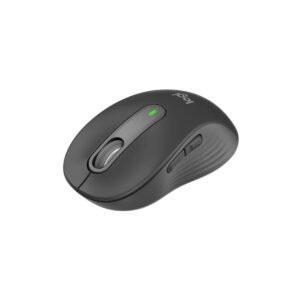
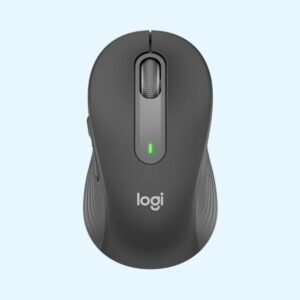
Logitech M650 Signature Wireless Mouse (Off White)
KSh 4,600.00
Related products
Dell OptiPlex 3000 SFF (Core i3-12100)
KSh 60,000.00Dell OptiPlex 7000 Micro Tower (Core i7-12700)
KSh 110,200.00ASUS Vivobook 14 X1404
Price range: KSh 66,000.00 through KSh 77,000.00Select options This product has multiple variants. The options may be chosen on the product pageDell Latitude 5540
Price range: KSh 135,900.00 through KSh 162,800.00Select options This product has multiple variants. The options may be chosen on the product page
Reviews
There are no reviews yet.