A 14 inch laptop in Kenya starts at KES 63,800 excluding VAT at Encom Digital. It is also the size most students and office workers should buy. It is light enough to carry all day, yet the screen is big enough for spreadsheets and video calls. So below you will find real prices, specs and picks from the 34 models we stock in Nairobi.
Key takeaways
- The cheapest 14 inch laptop we sell is the Dell Latitude 3420 at KES 63,800 excluding VAT. However, it has only a Core i3 chip, 8GB RAM and a 256GB SSD.
- Most office buyers land between KES 71,500 and KES 126,500. That range gives you a Core i5 or Core i7 chip and a 512GB SSD, because we install Windows 11 before delivery.
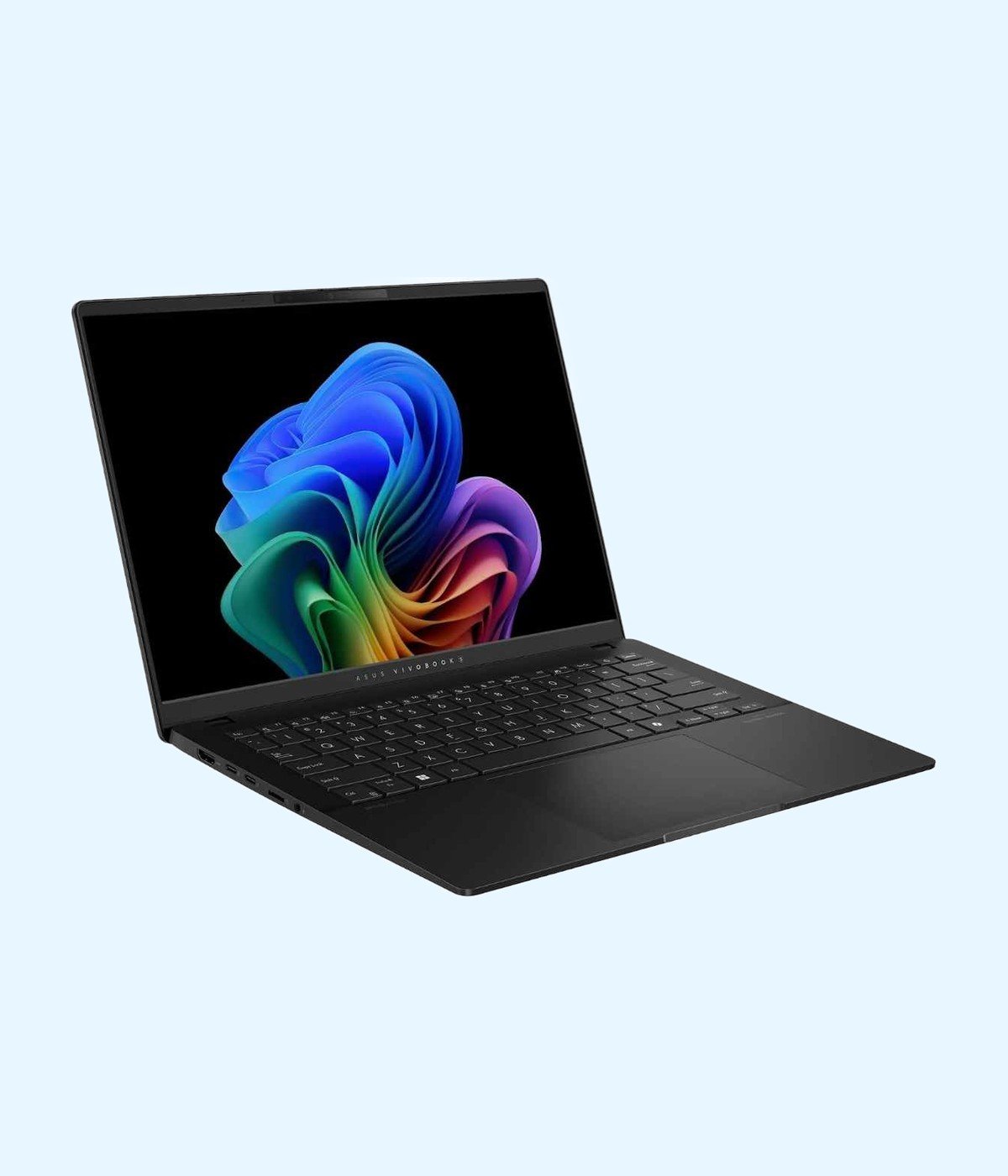
- The ASUS Vivobook S14 OLED costs KES 124,300 and weighs 1.30 kg, according to ASUS, with a 75 Wh battery.
- The Lenovo ThinkPad X1 Carbon Gen 12 weighs about 1.09 kg, while it lasted 9 hours 14 minutes in Tom’s Hardware’s Wi-Fi battery test.
- Prices on this page exclude VAT, so add 16% when you compare with other shops.
Prices and specs checked on 23 November 2026.
Which 14 inch laptop in Kenya should you buy?
However, the best pick depends on budget and work. For most people we suggest the Lenovo V14 G5 or the HP ProBook 440 G10. Both pair a Core i5 or i7 chip with a 512GB SSD at a fair price.
| Laptop | Chip and memory | Price excl. VAT |
|---|---|---|
| Dell Latitude 3420 | Core i3, 8GB, 256GB | KES 63,800 |
| Lenovo V14 G5 IRL | Core i5 13th Gen, 8GB, 512GB | KES 71,500 |
| HP Laptop 14s | Core i7 11th Gen, 8GB, 512GB | KES 83,700 |
| Lenovo ThinkBook 14 G8 | Core Ultra 5 or 7, 8GB or 16GB | KES 93,500 |
| HP ProBook 440 G10 | Core i7 13th Gen, 8GB, 512GB | KES 121,000 |
| ASUS Vivobook S14 OLED | Core Ultra 7, 16GB, 512GB | KES 124,300 |
| ThinkPad X1 Carbon Gen 12 | Core Ultra 7, 16GB, 1TB | KES 307,400 |
How much does a 14 inch laptop cost in Kenya?
A 14 inch laptop in Kenya costs KES 63,800 to KES 341,000 at Encom, excluding VAT. The range is wide because the chip, the memory and the build differ. For example, a thin carbon fibre business laptop costs far more than a plain student model.
Budget picks under KES 100,000
Under KES 100,000 you can choose between the Dell Vostro 3400 at KES 71,500, the Lenovo V14 G4 at KES 74,800 and the HP 14s at KES 83,700. These suit email, Excel, online classes and browsing, so they cover most daily tasks. However, check the RAM, since some Vostro units ship with 4GB. So we recommend 8GB as the minimum.
Mid-range business picks
When you spend KES 100,000 to KES 160,000, you move into business machines such as the HP EliteBook 640 G11 at KES 151,800. It also has a Core Ultra 7 chip with an NPU, 16GB of RAM and two Thunderbolt 4 ports. Also, for exact Intel options, our Core i5 laptop price comparison and Core i7 laptop price guide lay out the models side by side.
Premium ultralight picks
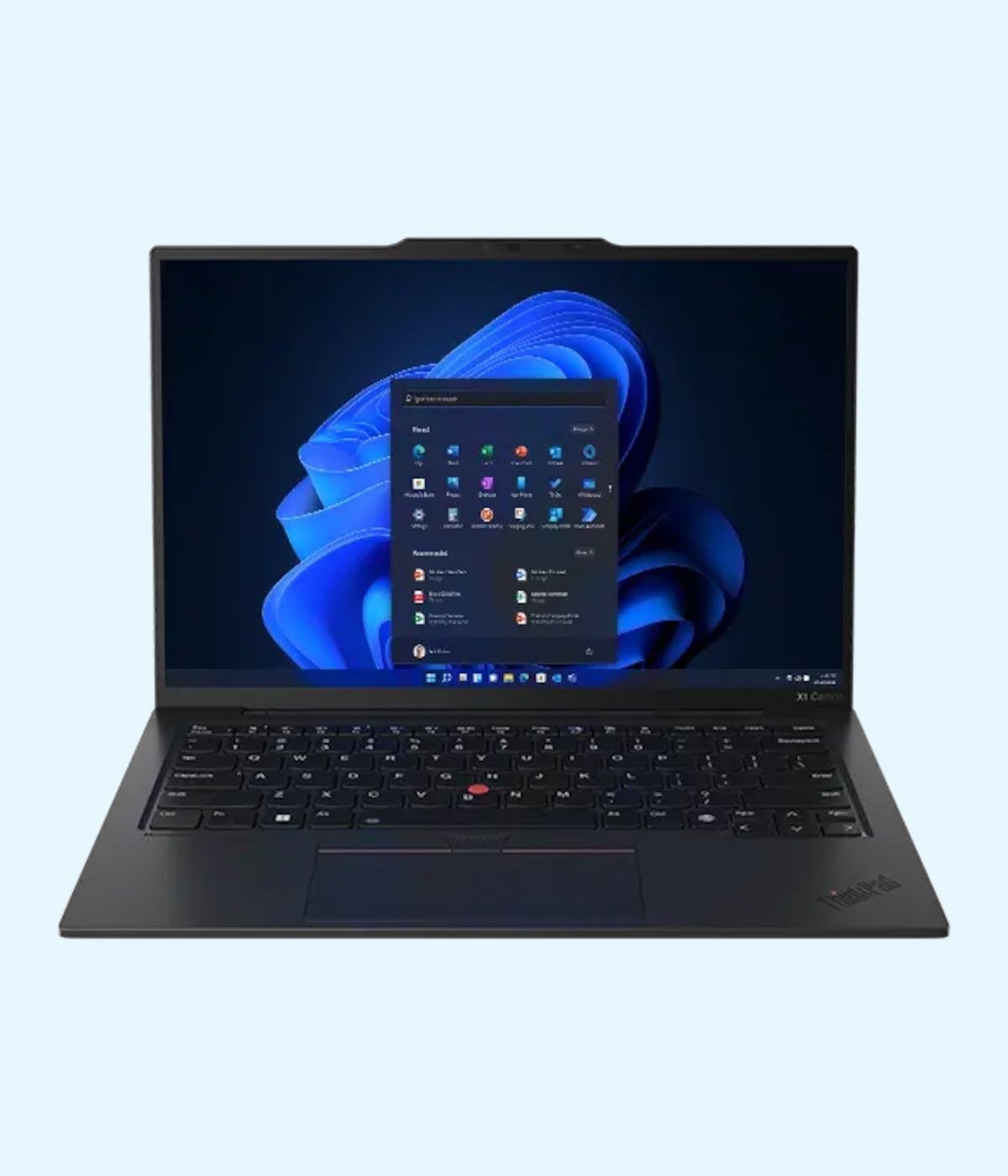
Above KES 200,000, you pay for weight, materials and battery life, because those cost money to build. The ThinkPad X1 Carbon Gen 12 has a carbon fibre lid and starts from about 1.08 kg. Also, our ThinkPad buying guide explains how the T, X1 and E series differ.
Why pick a 14 inch laptop instead of 15.6 inches?
A 14 inch laptop is lighter, easier to carry on a matatu or flight, and still comfortable to type on. For example, Tom’s Hardware measured the 14 inch ThinkPad X1 Carbon Gen 12 at 1.09 kg. Also, ASUS lists the Vivobook S14 at 1.30 kg. However, in our experience, many 15.6 inch models are noticeably heavier.
Reviewer Avram Piltch of Tom’s Hardware also calls the X1 Carbon “The Rolls Royce of productivity laptops”. He also recorded 9 hours and 14 minutes of Wi-Fi browsing at 150 nits, so battery life is good but not unlimited.
However, a 14 inch screen does cost you some space. If you edit video or keep many windows open all day, then add an external monitor at your desk. Otherwise, 14 inches is the best balance for most Kenyans.
Which screen type suits you best?
Pick a Full HD or WUXGA (1920 x 1200) anti-glare screen for bright offices. Choose OLED when you want rich colour. Most of our business models use anti-glare panels, since these cut reflections from windows. Also, the extra 120 pixels of height on WUXGA models show more rows of a spreadsheet.
The ASUS Vivobook S14 OLED has 100% DCI-P3 colour and up to 400 nits of typical brightness, according to ASUS. Also, our guide to IPS, OLED and Mini-LED screens explains what these numbers mean.
Do you need an AI-ready 14 inch laptop?
Most people do not need one today, but it helps if you plan to keep the laptop for four or more years. For example, the ASUS Vivobook S14 OLED is a Copilot+ PC. Also, ASUS lists up to 47 TOPS of NPU power on its Core Ultra 7 256V version. The HP EliteBook 640 G11 also has an NPU, although it is AI-ready rather than a Copilot+ machine.
Our AI laptop guide for Kenya explains the difference between the two, so read it before you decide.
Which model is best for students and offices?
Students should look at the Lenovo V14 G5 or the Dell Vostro 3400, because both are affordable and have Full HD screens. Also, our student laptop guide matches laptops to courses. Offices that buy in bulk usually prefer the Dell Latitude or HP ProBook range, since IT teams know them well. Then see the Dell Latitude comparison for details.
How can you get more from your new laptop?
When you work away from a socket, turn on Windows battery saver and lower the screen brightness. Because both steps cut power use, they stretch a charge. We also install Windows 11 before delivery, so you can sign in and start working.
Carry a USB-C charger if your laptop supports it, because one cable then charges your laptop and phone. Also, a padded sleeve protects the lid in a crowded bag. Since Nairobi offices get dusty, wipe the vents with a dry cloth once a month.
How do you buy a 14 inch laptop from Encom?
You can browse the full laptop range, pick your model and order online, or visit us at Rehema House, 4th Floor, Standard Street, Nairobi. For bulk orders, send us your list, and then ask for a quote. Email us to request a quote, because we reply with the right options.
Frequently asked questions
Prices and buying
How much is a 14 inch laptop in Kenya?
Prices start at KES 63,800 excluding VAT for the Dell Latitude 3420, while they reach about KES 341,000 for a MacBook Pro 14 inch with the M4 chip.
Which 14 inch laptop is cheapest at Encom?
The Dell Latitude 3420 costs KES 63,800 excluding VAT, although it has only a Core i3 chip, 8GB RAM and a 256GB SSD.
Do your prices include VAT?
No. Encom quotes every price excluding VAT, so add 16% to see the final amount.
Does Windows come installed?
Yes on most models. We install Windows 11 before delivery, although some Dell models ship with Ubuntu Linux and Windows is installed on request.
Specs and features
Is a 14 inch laptop good for students?
Yes, because it is light, fits a normal backpack and has enough screen for notes, research and online classes.
How much RAM do you need?
Choose 8GB as the minimum, but pick 16GB if you keep many browser tabs or apps open.
What does WUXGA mean?
It is a 1920 x 1200 screen. It is slightly taller than Full HD, so you see more rows of a document or spreadsheet.
Is OLED worth it on a 14 inch laptop?
It is worth it if you watch video or edit photos, because colours are richer and blacks are deeper. The ASUS Vivobook S14 OLED costs KES 124,300 excluding VAT.
Using a 14 inch laptop in Kenya
How long does the battery last?
It varies by model. Tom’s Hardware measured 9 hours 14 minutes of Wi-Fi browsing on the ThinkPad X1 Carbon Gen 12, although your results depend on brightness and workload.
What helps during power cuts?
Keep the laptop charged, and then put your router and desktop on a UPS. Also, our UPS and inverter comparison explains the choice.
Can I get a quote for many laptops?
Yes, so Email us your list of models and quantities.