
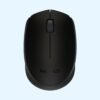
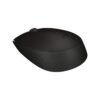
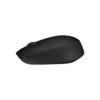
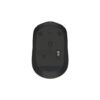
| Connection | 2.4 GHz USB nano receiver |
|---|---|
| Power | 1 x AA battery |
| Shape | Compact, ambidextrous |
| Compatibility | Windows, macOS, ChromeOS, Linux |
| Colour | Grey |
| Part Number | 910-004642 |
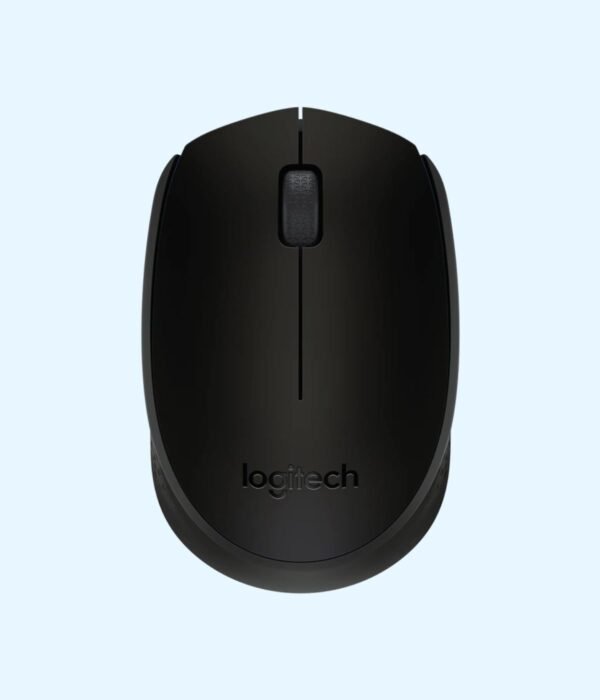
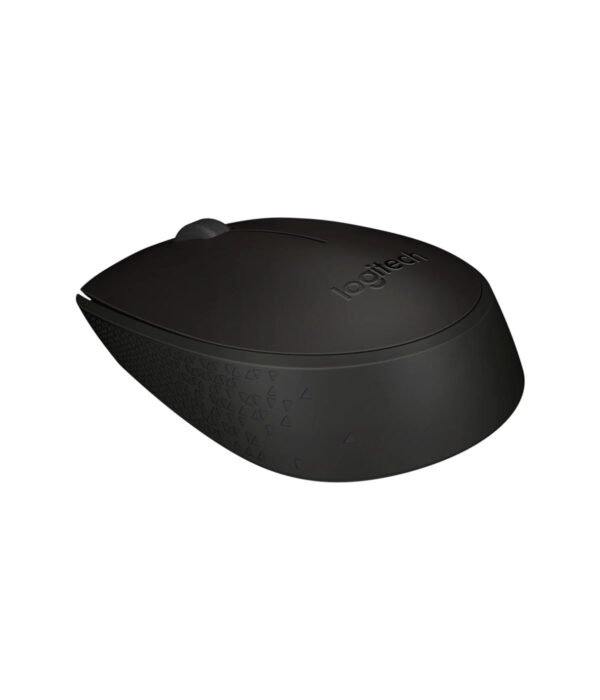
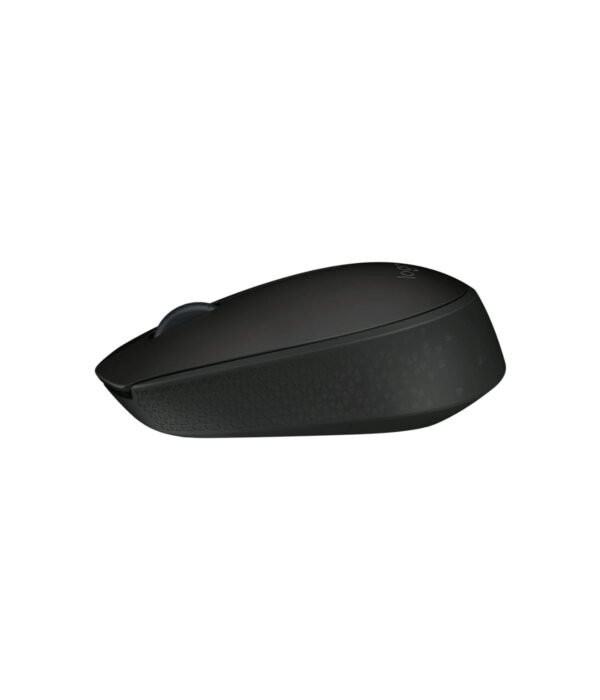
Logitech M170 Wireless Mouse (Grey)
KSh 1,400.00
- Plug-and-play wireless mouse with a tiny USB receiver
- Compact shape for left or right hand
- Runs for months on one AA battery
- Part number 910-004642
A small, no-fuss wireless mouse for laptop users
The Logitech M170 is Logitech’s entry-level wireless mouse. It is small, light and plain grey, and it does the basic job well: point, click and scroll without a cable across your desk. People buy it to replace a laptop touchpad, to tidy up a desk, or to give staff a wireless mouse that costs little more than a wired one.
It is one of several everyday mice in our mice and keyboards range, so it is worth knowing how it differs from its close relatives before you choose.
What the M170 does well
A compact, light body
The M170 measures about 97.7 mm long, 61.5 mm wide and 35.2 mm high, and weighs around 70 g with its battery. Along with the M171, it is the smallest Logitech receiver mouse we sell, and it slips into a backpack pocket without adding bulk on the daily commute. The trade-off is that larger hands may find it a little short for a full day of work.
Plug-and-play USB receiver
It connects over 2.4 GHz wireless through a tiny USB nano receiver, around 18.7 mm long. Logitech rates the range at up to 10 metres, so the connection holds even if you lean back or move the laptop around the desk.
Up to 12 months on one AA battery
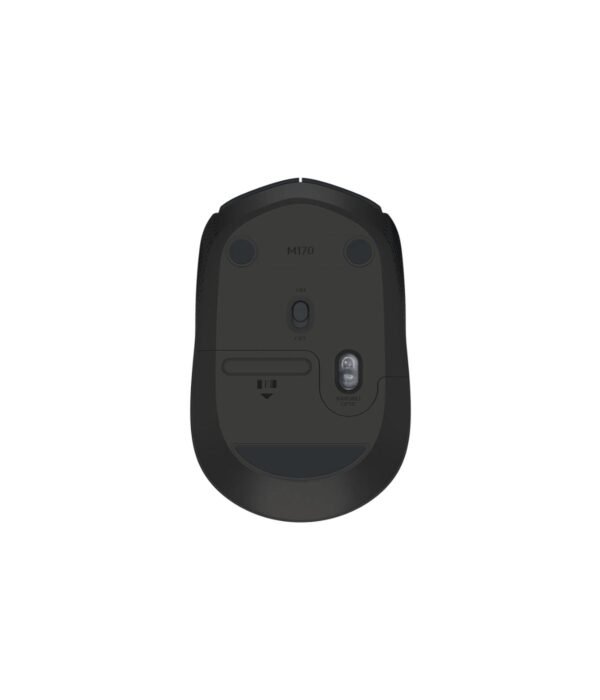
Logitech rates the battery life at up to 12 months from a single AA battery, with an on and off switch underneath and an automatic sleep mode when you stop using it. For most people that means one battery change a year.
Line-by-line scrolling
The scroll wheel moves in clear steps. That makes it easy to land on the right row in a spreadsheet or the right paragraph in a long report.
Either hand
The shape is symmetrical, so it works for left-handed users as well as right-handed ones.
Compatibility
The M170 works with Windows, macOS, ChromeOS and Linux. The receiver is USB-A, so it plugs straight into most laptops and desktops. A laptop with only USB-C ports needs a USB-C adapter or hub. If you want to skip the receiver, look at the Logitech M196 Bluetooth Mouse.
Setting it up
Plug the receiver into a USB port and slide the switch under the mouse to on. It works within a few seconds. The battery is already in the box.
Who it suits
The M170 suits students, laptop users who travel, and offices that want a basic wireless mouse in a neutral colour. It is less suited to people with large hands who spend eight hours a day on a mouse, to anyone who needs extra buttons, and to shared offices where click noise bothers colleagues.
How it compares
The M170 and the Logitech M171 are the same size, use the same receiver and carry the same battery rating, and they cost the same. The difference is colour: we stock the M170 in grey only, while the M171 comes in Black, Blue, Red and Blue Grey. The Logitech M185 is slightly larger and taller, which some people find steadier in the hand. If you have big hands, the Logitech M190 is full size and Logitech rates it at up to 18 months on a battery. For quiet clicks in a shared office, step up to the Logitech M221 Silent.
Full product details are on Logitech’s official site.
Looking after it
Switch the mouse off when it goes into your bag so it does not wake up and drain the battery. If the pointer starts to stutter, try a fresh AA before anything else. Wipe the body with a slightly damp cloth and keep the sensor window clean. Do not lose the receiver, because the mouse is paired to it.
Frequently asked questions
What is the difference between the M170 and the M171?
Only the colour options. The size, receiver and battery rating are the same.
Is the battery included?
Yes. One AA battery comes in the box.
How long does the battery last?
Logitech rates it at up to 12 months. Heavy daily use shortens that.
Does it work with a Chromebook?
Yes. ChromeOS is supported through the USB receiver.
Is it good for left-handed users?
Yes. The shape is symmetrical.
Does it have Bluetooth?
No. It connects only through its USB receiver.
Where do I keep the receiver when travelling?
It is small enough to leave in the laptop’s USB port.
Buying from Encom Digital
Everything we sell is genuine Logitech. Prices on this page exclude VAT, and every order comes with a KRA-compliant VAT invoice, which your accounts team will need if you are buying for a company.
We offer same-day delivery within Nairobi and deliver to the rest of Kenya. You can pay by M-Pesa, card or bank transfer. If you are fitting out an office, a school or an NGO, ask us for bulk and corporate pricing.
Call or WhatsApp us on +254 714 962 072, email us, or visit us at Rehema House, 4th Floor, Standard Street, Nairobi, Monday to Saturday, 8AM to 6PM.
You may also like…

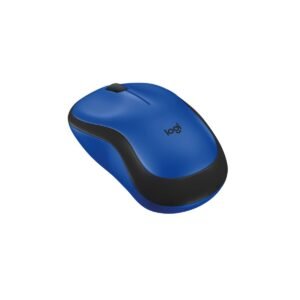
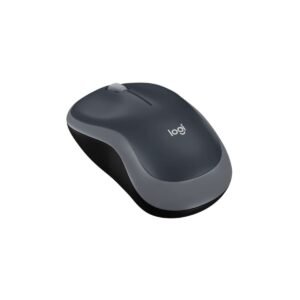
Logitech M221 Silent Wireless Mouse (Charcoal)
KSh 2,100.00Logitech M185 Wireless Mouse
KSh 1,500.00Select options This product has multiple variants. The options may be chosen on the product page


Related products
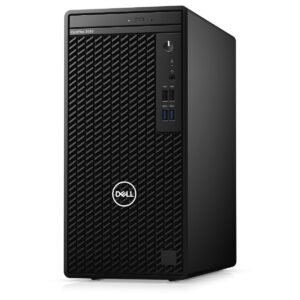
Dell OptiPlex 7020 Micro Tower
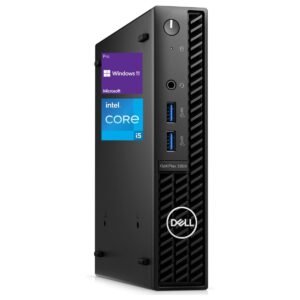
Price range: KSh 110,200.00 through KSh 139,200.00Select options This product has multiple variants. The options may be chosen on the product pageDell OptiPlex 3080 Micro Tower (Core i3-10105)
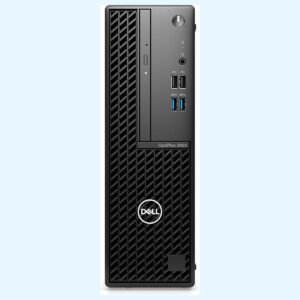
KSh 50,400.00Dell OptiPlex 3000 SFF (Core i3-12100)
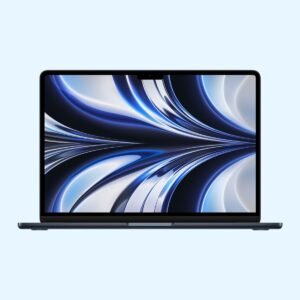
KSh 60,000.00Apple MacBook Air 13 inch (M2)
KSh 140,800.00


Reviews
There are no reviews yet.