
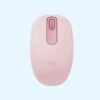
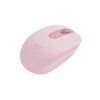
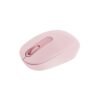
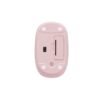
| Connection | Bluetooth |
|---|---|
| Power | 1 x AA battery |
| Shape | Compact, ambidextrous |
| Colour | Graphite, Off-White, Rose |
Logitech M196 Bluetooth Mouse
KSh 1,600.00
- Bluetooth mouse, no USB receiver needed
- Frees a port on thin laptops and tablets
- Shaped for left or right hand
- Graphite, Off-White or Rose
An affordable Bluetooth mouse for laptops with few ports
The Logitech M196 is a low-cost mouse that connects over Bluetooth, so it needs no USB receiver at all. That is its whole point. Many new laptops have only one or two USB-C ports, and giving one of them up to a mouse receiver, or carrying an adapter around, gets old quickly. The M196 pairs straight to your laptop or tablet and leaves every port free.
It is part of our mice and keyboards range.
What the M196 brings
Bluetooth, no dongle
The M196 uses Bluetooth Low Energy, with a range of up to 10 metres. Once it is paired, it reconnects on its own whenever you switch it on. There is no receiver to lose, which is a common problem with cheap wireless mice.
Up to 12 months on one AA battery
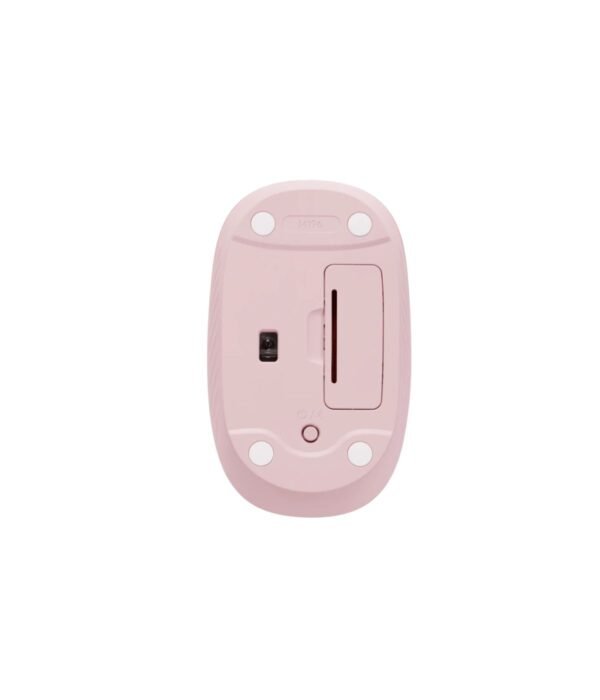
Logitech rates it at up to 12 months of battery life on one AA battery, helped by an automatic sleep mode. The battery comes fitted, so it is ready to pair out of the box.
A compact, contoured shape
The body is about 100 mm long, 60 mm wide and 38 mm high, and weighs around 76 g. It is small enough to carry in a laptop bag but still has a curve that fills the hand. The shape is symmetrical, so it works for left-handed and right-handed users.
Optical tracking and line-by-line scrolling
The 1,000 DPI optical sensor tracks on most everyday desk surfaces. The wheel scrolls one line at a time for controlled movement through documents and web pages.
Made with recycled plastic
Logitech says the plastic parts include 67 percent certified post-consumer recycled plastic on the Graphite version and 66 percent on Off-White and Rose.
Compatibility
The M196 works with Windows, macOS and ChromeOS computers that have Bluetooth, which includes almost every laptop sold in the last few years, from the MacBook Air M5 to the Lenovo IdeaPad Slim 3. Many office desktops do not have Bluetooth built in. If yours does not, choose a receiver mouse such as the Logitech M185 instead.
Setting it up
Switch the mouse on and put it into pairing mode as the quick start guide in the box shows. Open the Bluetooth settings on your computer, choose the M196 from the list, and it is ready. From then on it reconnects by itself.
Which colour
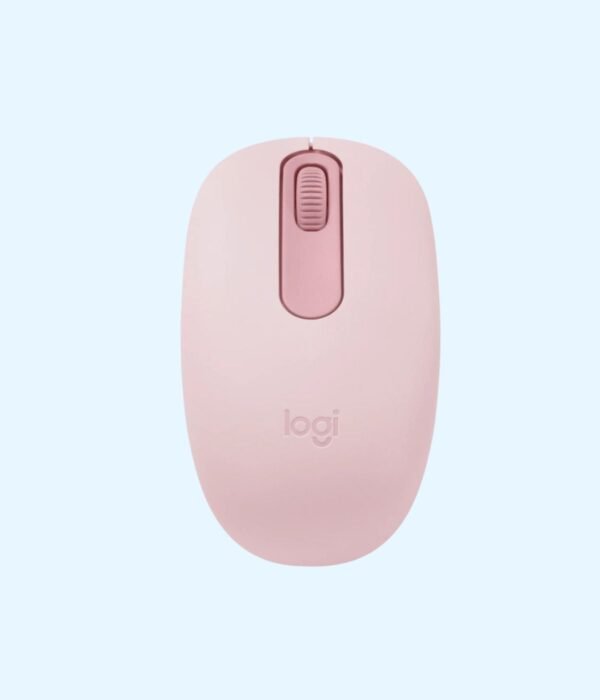
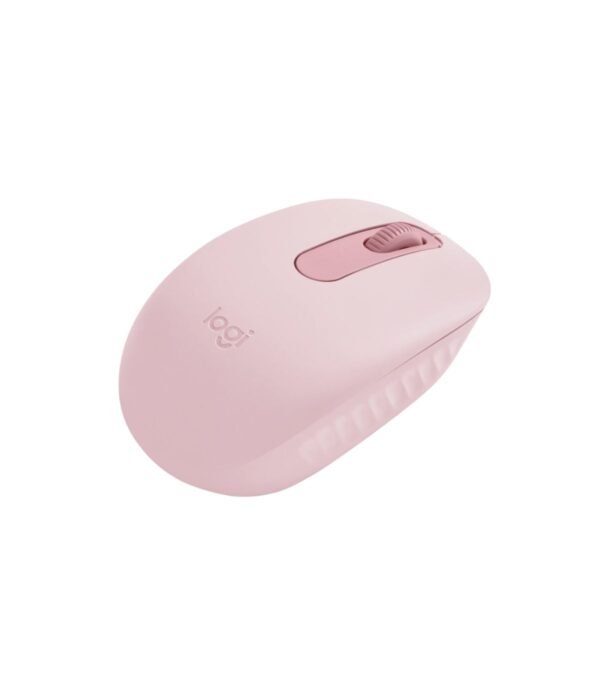
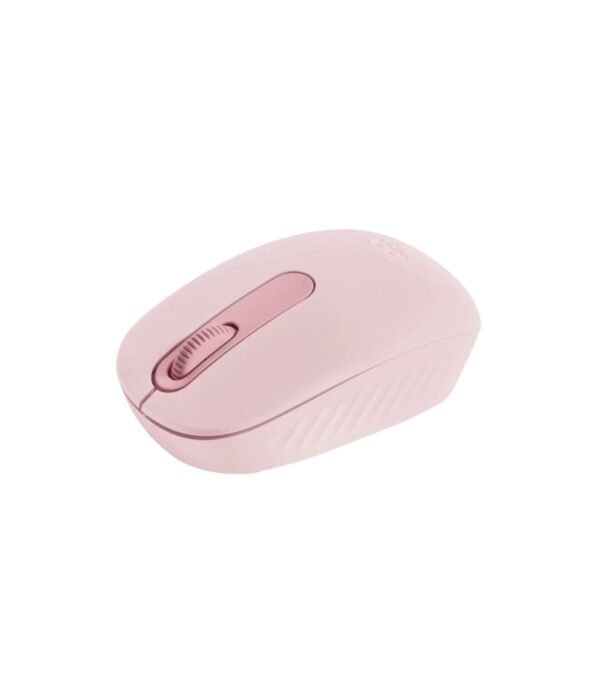
We stock the M196 in Graphite, Off-White and Rose, all at the same price. Graphite is the safe office choice. Off-White matches silver and white laptops. Rose is a soft pink that goes well with lighter laptops and tablets. The photos show Rose. Choose your colour from the options above.
Who it suits
The M196 suits owners of thin laptops with few ports, students who keep losing receivers, and anyone who wants a Bluetooth mouse without paying for premium features. It is not ideal for older desktops without Bluetooth, for people who need to switch between several devices with a button, or for anyone who wants extra buttons.
How it compares
If you want Bluetooth plus quieter clicks, a slimmer shape and the ability to switch between three devices, the Logitech Pebble Mouse 2 M350s is the step up. If your computer has a free USB-A port and no Bluetooth, the Logitech M171 is similar in size and comes in four colours. For a premium Bluetooth mouse that tracks on glass and charges over USB-C, look at the Logitech MX Anywhere 3S.
Full product details are on Logitech’s official site.
Looking after it
Switch the mouse off when you pack your bag. Wipe it with a soft, slightly damp cloth, and give the lighter colours a clean more often. If it stops connecting, check the battery first, then remove the mouse from your Bluetooth list and pair it again.
Frequently asked questions
Does it come with a USB receiver?
No. It connects only over Bluetooth.
Will it work with my desktop computer?
Only if the desktop has Bluetooth. Many office desktops do not.
Is the battery included?
Yes. One AA battery comes fitted.
How long does the battery last?
Up to 12 months, according to Logitech.
Can I use it with a MacBook?
Yes. Pair it in the Mac’s Bluetooth settings. No adapter is needed.
Is it suitable for left-handed users?
Yes. The shape is symmetrical.
Is it rechargeable?
No. It uses a replaceable AA battery.
Buying from Encom Digital
Everything we sell is genuine Logitech. Prices on this page exclude VAT, and every order comes with a KRA-compliant VAT invoice, which your accounts team will need if you are buying for a company.
We offer same-day delivery within Nairobi and deliver to the rest of Kenya. You can pay by M-Pesa, card or bank transfer. If you are fitting out an office, a school or an NGO, ask us for bulk and corporate pricing.
Call or WhatsApp us on +254 714 962 072, email us, or visit us at Rehema House, 4th Floor, Standard Street, Nairobi, Monday to Saturday, 8AM to 6PM.
You may also like…

Logitech M650 Signature Wireless Mouse (Off White)
KSh 4,600.00Logitech M350s Pebble Mouse 2
KSh 3,400.00Select options This product has multiple variants. The options may be chosen on the product page


Related products
Apple MacBook Pro 14 inch (M5)
KSh 295,350.00Dell Latitude 5530
KSh 128,200.00Dell Latitude 7200 2-in-1
KSh 165,000.00Apple MacBook Neo
Price range: KSh 102,300.00 through KSh 118,800.00Select options This product has multiple variants. The options may be chosen on the product page




Reviews
There are no reviews yet.