

A laptop touchpad is fine for a quick email. For a full day of spreadsheets, design work, coursework or a stack of invoices, most people reach for a mouse, and most people now want one without a cable trailing across the desk. The good news is that a decent wireless mouse in Kenya does not cost much. The range we stock in Nairobi starts at KES 900 and tops out at KES 4,600, with all prices quoted excluding VAT.
The harder part is choosing. Do you need a USB receiver or Bluetooth? Are silent clicks worth paying for? How long will the battery last? This guide answers those questions and shows where each of the 16 wireless mice on Encom Shop fits.
USB receiver or Bluetooth: the first decision
Every wireless mouse connects in one of two ways, and some can do both.
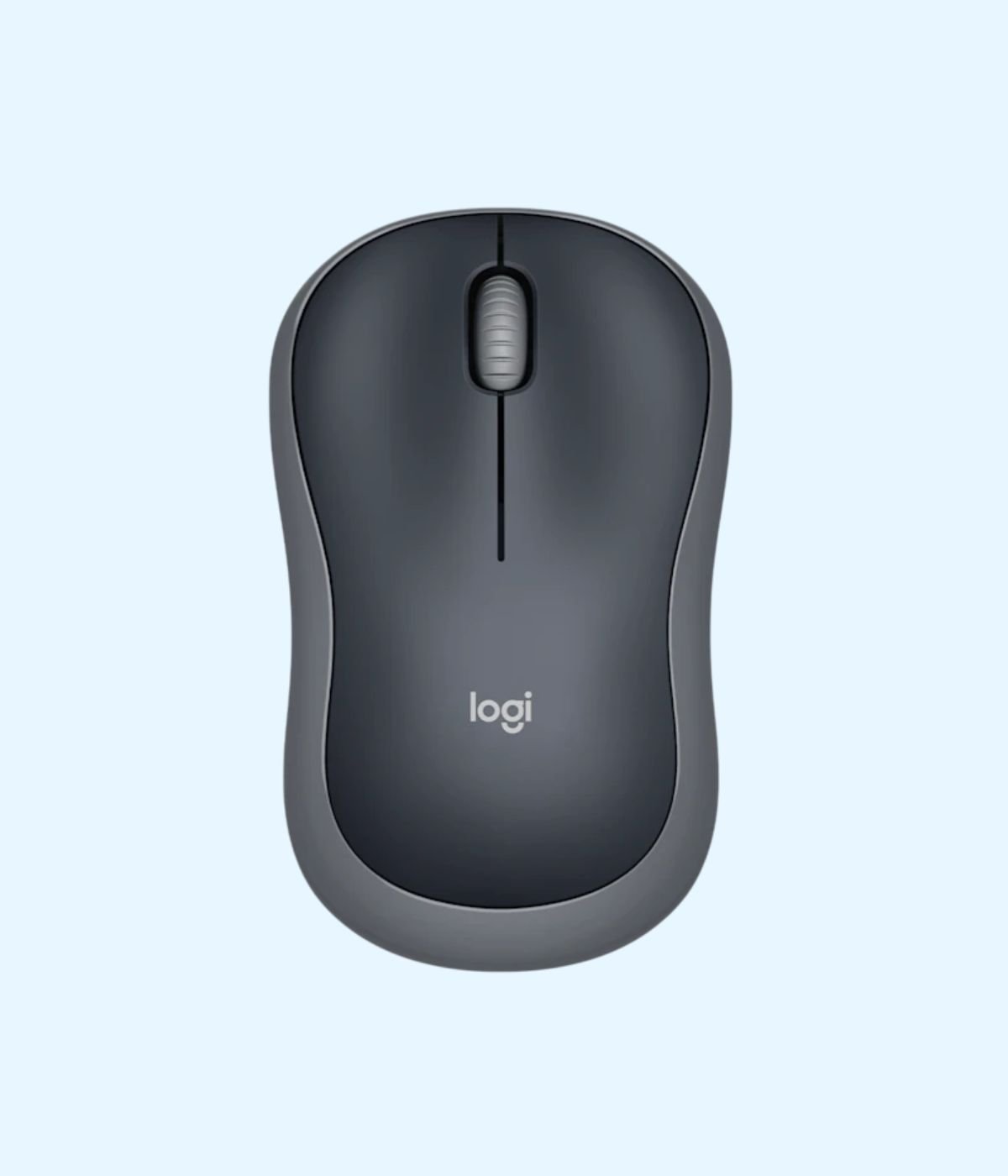
- 2.4 GHz with a USB receiver. A small dongle goes into a USB port and the mouse works straight away, with no pairing and no settings. This is the easiest option for office desktops, shared computers and anyone who does not want to fiddle with Bluetooth menus. Logitech says the M171 connects through a plug-and-play USB receiver and works up to 10 metres away.
- Bluetooth. No dongle at all. The mouse pairs directly with your laptop, tablet or phone. That frees a port, which matters on thin laptops that only have one or two USB-C ports, and you cannot lose a receiver you never had. The Logitech M196 works over Bluetooth with no dongle or port needed.
- Both. Higher end mice such as the Logitech Signature M650 connect over Bluetooth or a Logi Bolt receiver. Logitech says a Logi Bolt receiver keeps a steady connection even in congested wireless environments and can link up to six Logi Bolt keyboards and mice to one computer. That is useful in a busy open plan office full of Wi-Fi and other wireless gear.
A simple rule: if your laptop has a spare USB-A port and you only use one computer, a receiver mouse is the least hassle. If your laptop is short on ports, or you also work on an iPad or Android tablet, go Bluetooth.
Every wireless mouse we stock, with prices
| Mouse | Connection | Best for | Price (KES, excl VAT) |
|---|---|---|---|
| UGREEN 2.4G Wireless Mouse MU105 | USB receiver | Lowest price, five colours | 900 |
| HP Wireless Silent Mouse S1000 | USB receiver | Quiet clicks on a tight budget | 1,000 |
| Lenovo 150 Wireless Mouse | USB receiver | Compact, for travel | 1,100 |
| HP Wireless Mouse 200 | USB receiver | Silver finish to match silver laptops | 1,200 |
| Promate UNIGLIDE Ergonomic Wireless Mouse | USB receiver | Ambidextrous ergonomic shape | 1,250 |
| Logitech M170 Wireless Mouse | USB receiver | Everyday office use | 1,400 |
| Logitech M171 Wireless Mouse | USB receiver | Everyday use, four colours | 1,400 |
| UGREEN Portable Wireless Mouse MU001 | USB receiver | Small, fits any laptop bag | 1,400 |
| Lenovo 400 Wireless Mouse | USB receiver | Comfortable full shape, Windows, Mac and Chromebook | 1,400 |
| Logitech M185 Wireless Mouse | USB receiver | A reliable all rounder | 1,500 |
| Logitech M196 Bluetooth Mouse | Bluetooth | Laptops and tablets short on ports | 1,600 |
| Dell Wireless Mouse WM126 | USB receiver | Dell offices, left or right hand | 1,750 |
| Logitech M190 Full-Size Wireless Mouse | USB receiver | Bigger hands | 1,900 |
| Logitech M221 Silent Wireless Mouse | USB receiver | Libraries and shared offices | 2,100 |
| Logitech M350s Pebble Mouse 2 | Bluetooth | Slim, light, up to 3 devices | 3,400 |
| Logitech Signature M650 | Logi Bolt or Bluetooth | All day work, quiet clicks, fast scrolling | 4,600 |
Under KES 1,500: good enough for most people
If the mouse is for typing up assignments, answering email or browsing, you do not need to spend much. The UGREEN MU105 at KES 900 is the cheapest in our range and comes in five colours, which helps when everyone in the office has the same black mouse. The Lenovo 150 and UGREEN MU001 are compact enough to live in a laptop bag.
The Logitech M170 and M171 are the classic office mouse: small, light and plug and play. Logitech rates the M171 at up to 12 months without changing batteries, helped by an on and off switch and auto sleep. For students heading to campus, either one is a sensible buy that will not hurt if it gets lost.
KES 1,500 to 2,100: a step up in comfort and battery
The Logitech M185 is the mouse we would hand to most office workers. Logitech says it runs up to 12 months on one AA battery, with a range of up to 10 metres, and works with Windows, macOS, ChromeOS and Linux.
If your hand feels cramped on a small mouse, the Logitech M190 is the full size option. Logitech quotes 18 months of use from one AA battery and the same 10 metre range. The Dell WM126 and Lenovo 400 sit in the same bracket and suit offices that like to match their mouse to their Dell or Lenovo fleet.
Silent mice for libraries, banking halls and open offices
Clicking is one of those sounds you stop hearing yourself and everyone around you hears all day. In a university library, a hospital records office or an open plan floor, a silent mouse is a small courtesy that colleagues notice.
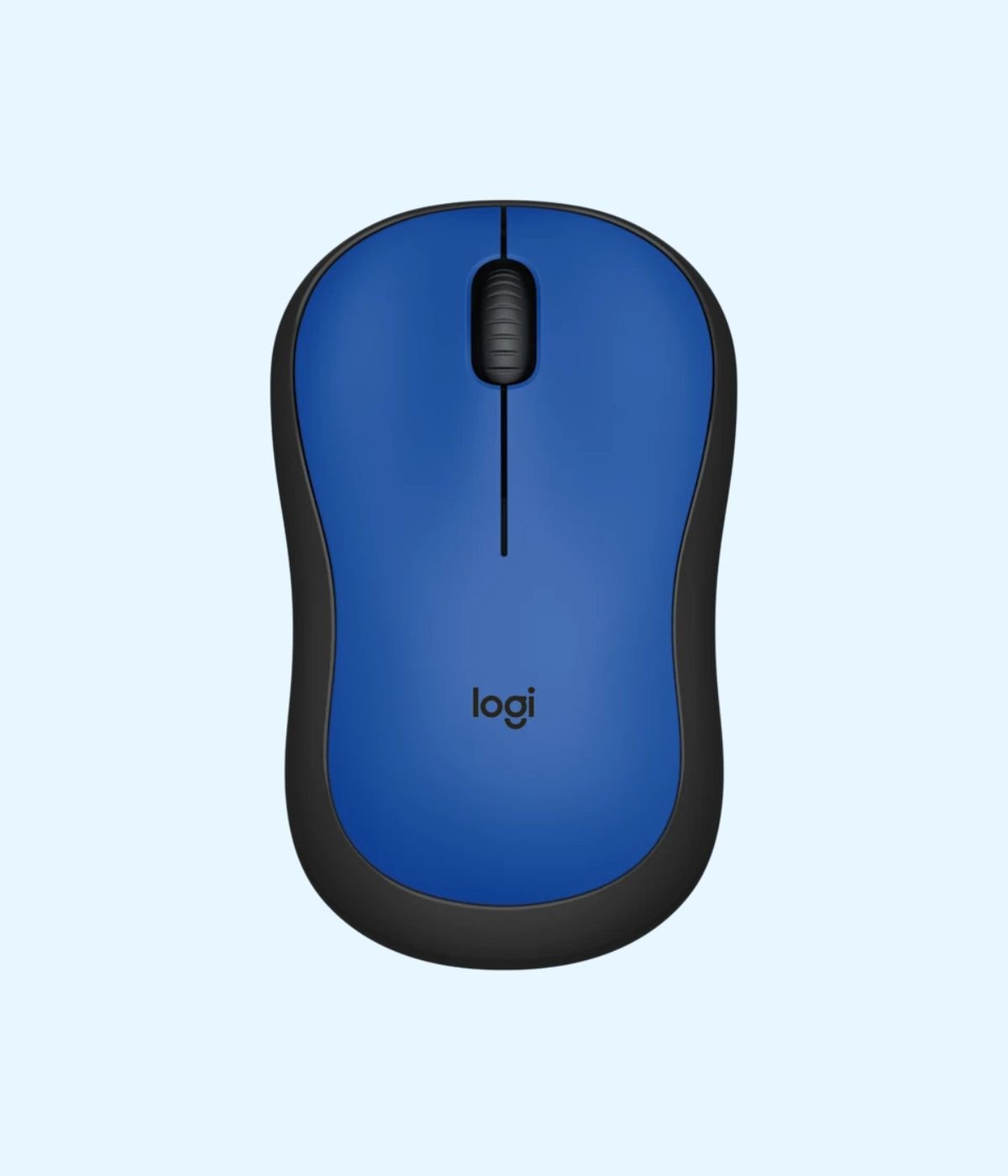
The Logitech M221 Silent is built for exactly this. Logitech says its silent design reduces clicking sound by over 90% compared with the M170, and that it works for up to 18 months before you change the battery. On a tighter budget, the HP Wireless Silent Mouse S1000 gives you quiet clicks for KES 1,000. The Pebble Mouse 2 and Signature M650 below also have quiet clicks.
Bluetooth mice for thin laptops, MacBooks and tablets
Many new laptops, including MacBooks and slim Windows ultrabooks, have only USB-C ports. A receiver mouse then needs an adapter, which is one more thing to forget at home. A Bluetooth mouse avoids that.
The Logitech M196 is the most affordable Bluetooth mouse we stock, at KES 1,600. Logitech gives it a 12 month battery life between AA battery changes, and it comes in Graphite, Off-White or Rose.
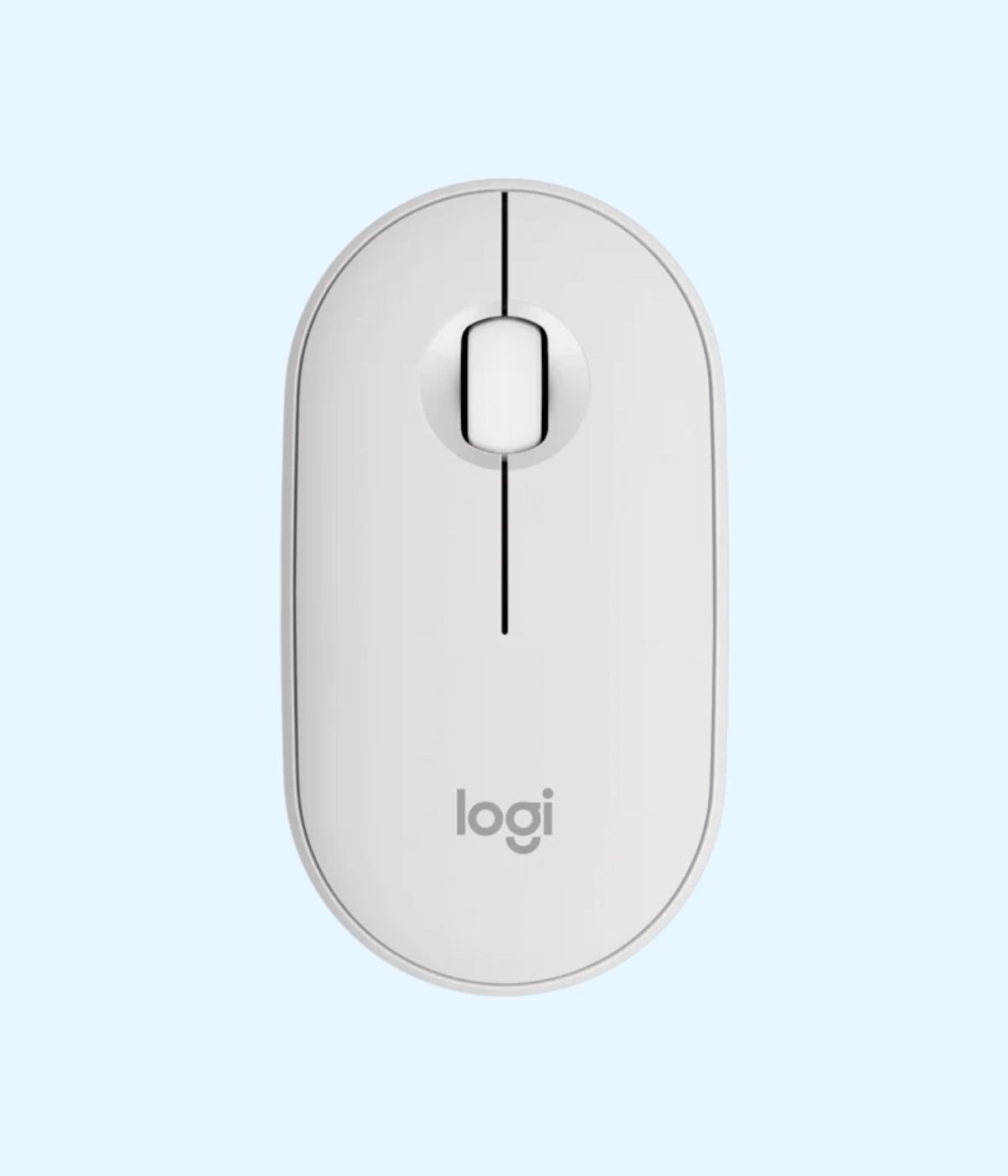
The Logitech M350s Pebble Mouse 2 is the one for people who carry their laptop everywhere. According to Logitech’s specifications it weighs just 53 g before the battery goes in, runs about 24 months on one AA battery and has three Easy-Switch channels, so you can pair it with your laptop, tablet and phone and switch between them with one button.
Logitech Signature M650: for long days at the desk
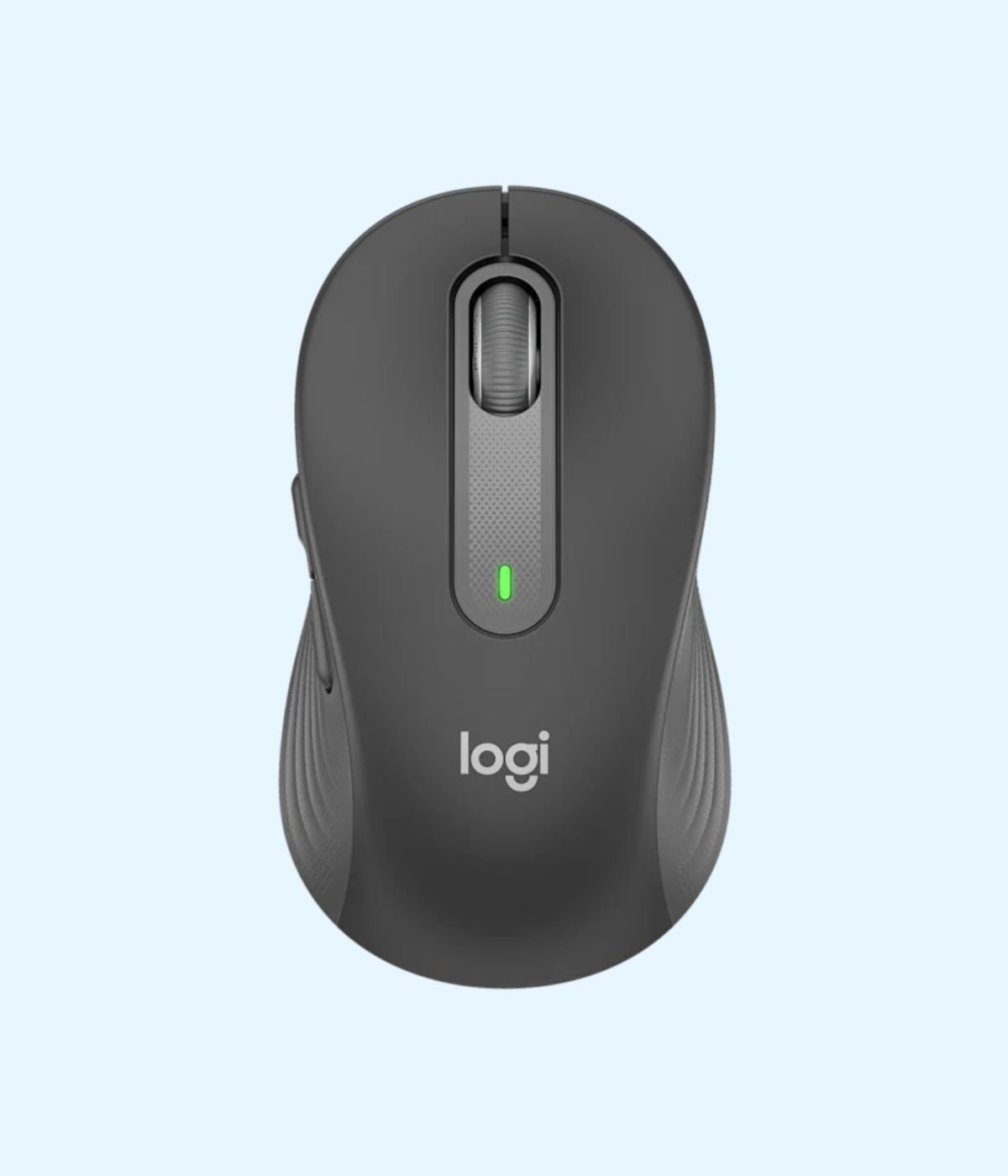
If you spend eight hours a day with your hand on a mouse, the Logitech Signature M650 is worth the extra money. It has quiet clicks, a SmartWheel that switches between precise line by line scrolling and fast scrolling for long documents, and it connects by Logi Bolt receiver or Bluetooth. Logitech’s specifications list up to 24 months of battery life with the Logi Bolt receiver and up to 20 months on Bluetooth, from one AA battery, and a 400 to 4,000 DPI sensor. It works with Windows, macOS, ChromeOS, Linux, iPadOS and Android.
Logitech makes the M650 in more than one size: the standard M650 for small to medium hands and the M650 L for large hands. The model we stock is the standard size.
Quick picks by buyer
- Student on a budget: UGREEN MU105 or Logitech M171.
- Office staff on desktops: Logitech M185, or the Dell WM126 and Lenovo 400 to match your fleet.
- Shared or quiet spaces: Logitech M221 Silent or HP S1000.
- MacBook, USB-C laptop or tablet: Logitech M196 or Pebble Mouse 2.
- Bigger hands: Logitech M190.
- All day desk work: Logitech Signature M650.
Pairing a new mouse with a new machine? Our guides to Lenovo ThinkPad laptops in Kenya and Dell Latitude laptops compare models and prices, and our office desktop computers guide covers Dell, HP and Lenovo desktops for the whole team.
Buying for a whole office?
If you are kitting out a team, a school computer lab or a new branch, we can quote for the quantity you need, along with keyboards, combos and webcams from our mice and keyboards range. To request a quote, Email us with the models and quantities, or message us on WhatsApp on +254 714 962 072. For a single mouse, just order on the product page or visit us at Rehema House, 4th Floor, Standard Street, Nairobi.
Frequently asked questions
How much is a wireless mouse in Kenya?
At Encom Shop, wireless mice range from KES 900 for the UGREEN MU105 to KES 4,600 for the Logitech Signature M650. All our prices are quoted excluding VAT.
What is the cheapest wireless mouse you sell?
The UGREEN 2.4G Wireless Mouse MU105 at KES 900 excluding VAT, available in five colours.
Should I get a USB receiver mouse or a Bluetooth mouse?
A USB receiver mouse is the simplest: plug in the receiver and it works. Choose Bluetooth if your laptop is short on USB ports, only has USB-C, or if you also want to use the mouse with a tablet.
Will a wireless mouse work with my MacBook?
Yes. A Bluetooth mouse such as the Logitech M196, Pebble Mouse 2 or Signature M650 pairs directly. A receiver mouse also works on macOS, but on a MacBook with only USB-C ports you will need a USB-C adapter for the receiver.
How long does a wireless mouse battery last?
It depends on the model and how you use it. Logitech rates the M185 and M171 at up to 12 months, the M190 and M221 Silent at up to 18 months, and the Pebble Mouse 2 and Signature M650 at up to 24 months.
What battery do these mice take?
The Logitech M185, M190, M196, Pebble Mouse 2 and Signature M650 each run on one AA battery, which you can buy at any supermarket or duka.
Which wireless mouse is the quietest?
The Logitech M221 Silent, which Logitech says reduces clicking sound by over 90% compared with the M170. The HP S1000, Pebble Mouse 2 and Signature M650 also have quiet clicks.
How far from the computer can I use a wireless mouse?
Logitech rates the M185, M171, M190 and Signature M650 at up to 10 metres. Walls and other wireless devices can reduce that in practice.
Can one mouse work with my laptop and my tablet?
Yes, with the Logitech Pebble Mouse 2. It has three Easy-Switch channels, so you can pair it with up to three devices and switch with a button.
What is Logi Bolt?
Logi Bolt is Logitech’s newer USB receiver. Logitech says it keeps a steady connection in congested wireless environments and can connect up to six Logi Bolt keyboards and mice to one computer. The Signature M650 connects by Logi Bolt or Bluetooth.
Do you have a mouse for left handed people?
Yes. Several of our mice are shaped for either hand, including the Logitech M170, M171, M185, M190, M196 and M221, the Dell WM126, the Lenovo 400 and the Promate UNIGLIDE.
Which mouse is best for students?
The UGREEN MU105 or Logitech M171 keep costs low. If the student uses a slim laptop with few ports, the Logitech M196 Bluetooth mouse is a better fit.
Can I buy wireless mice in bulk for my office?
Yes. Email info@encom.africa or WhatsApp +254 714 962 072 with the models and quantities and we will send a quote, excluding VAT.
Where can I buy a wireless mouse in Nairobi?
Order on shop.encom.africa or visit us at Rehema House, 4th Floor, Standard Street, Nairobi.